DevOps(Day-83):Container Harmony: Deploying a Resilient Web Application with Docker Swarm

Table of contents
Project Description
Pre-requisites
Project steps
Project Description
The project aims to deploy a web application using Docker Swarm, a container orchestration tool that allows for easy management and scaling of containerized applications. The project will utilize Docker Swarm's production-ready features such as load balancing, rolling updates, and service discovery to ensure high availability and reliability of the web application. The project will involve creating a Dockerfile to package the application into a container and then deploying it onto a Swarm cluster. The Swarm cluster will be configured to provide automated failover, load balancing, and horizontal scaling to the application. The goal of the project is to demonstrate the benefits of Docker Swarm for deploying and managing containerized applications in production environments.
Pre-requisites
Spin-up three servers in the AWS management console.
Two servers are worker nodes and one server is manager mode.
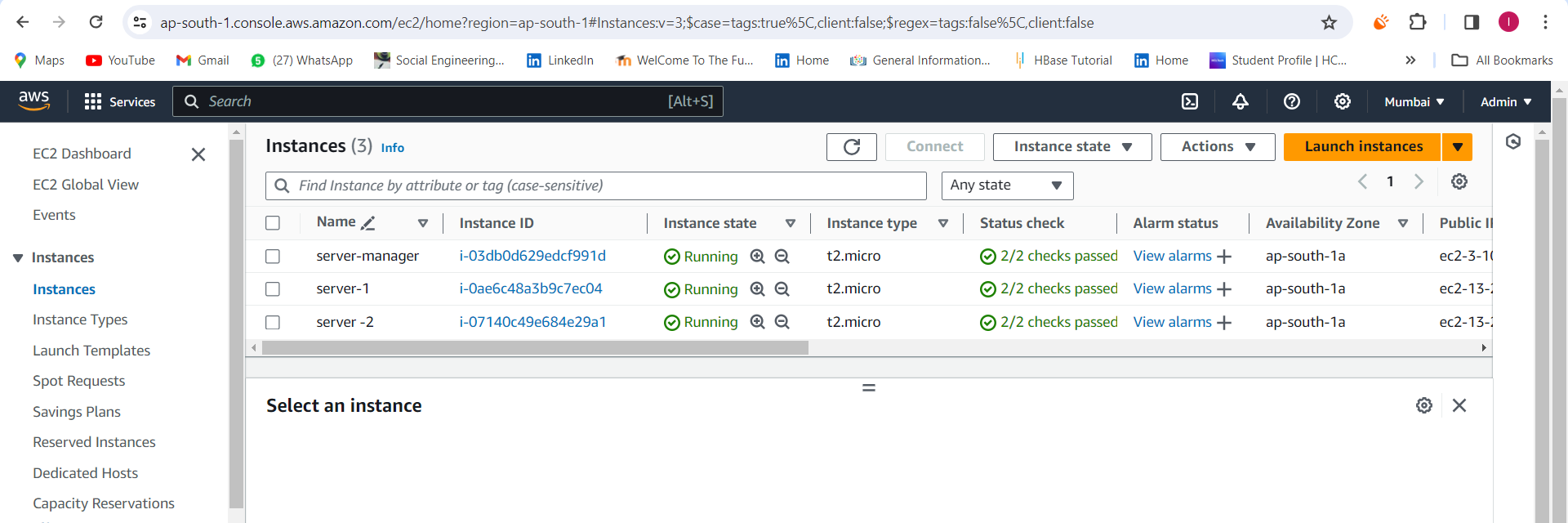
- Install docker on all three servers.
You can follow my previous blog for server spin-up and installing docker.
Project steps
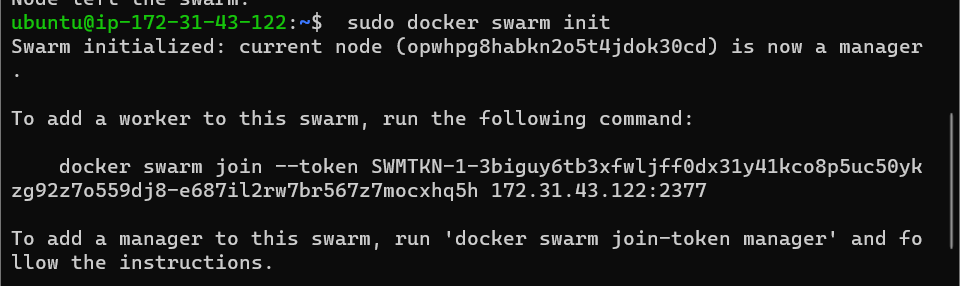
Initialise the docker swarm in the manager node.
To add a worker to this swarm, run the following command as displayed after the "docker swarm init" :
"docker swarm join --token SWMTKN-1-sudo docker swarm join --token SWMTKN-1-4bm6mfcxa6ujfe6lgwth16iyki778ti51petunevyrrawefygd-ai0h58prd8fgjkg2dkfd359et 172.31.43.122:2377
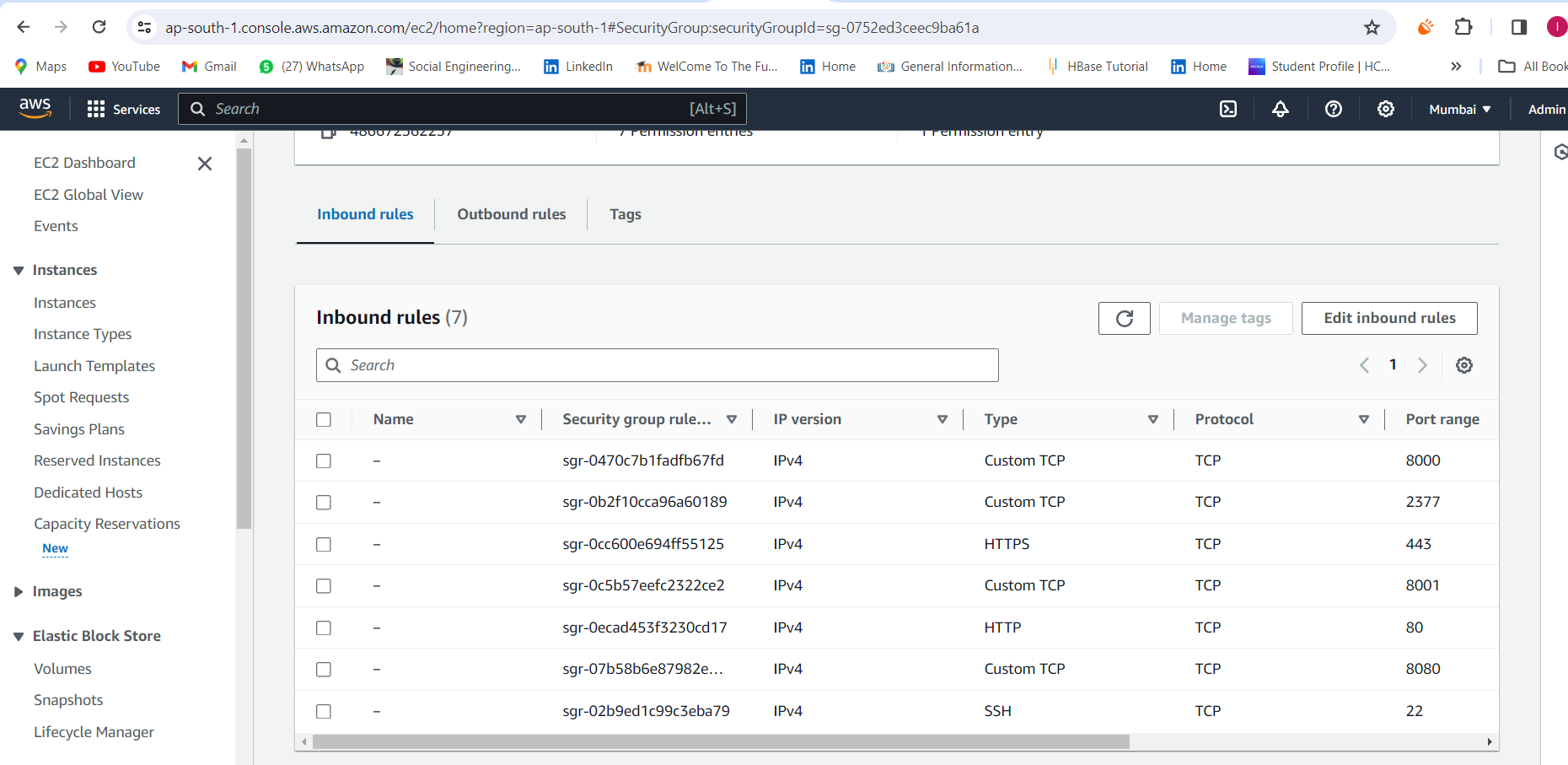
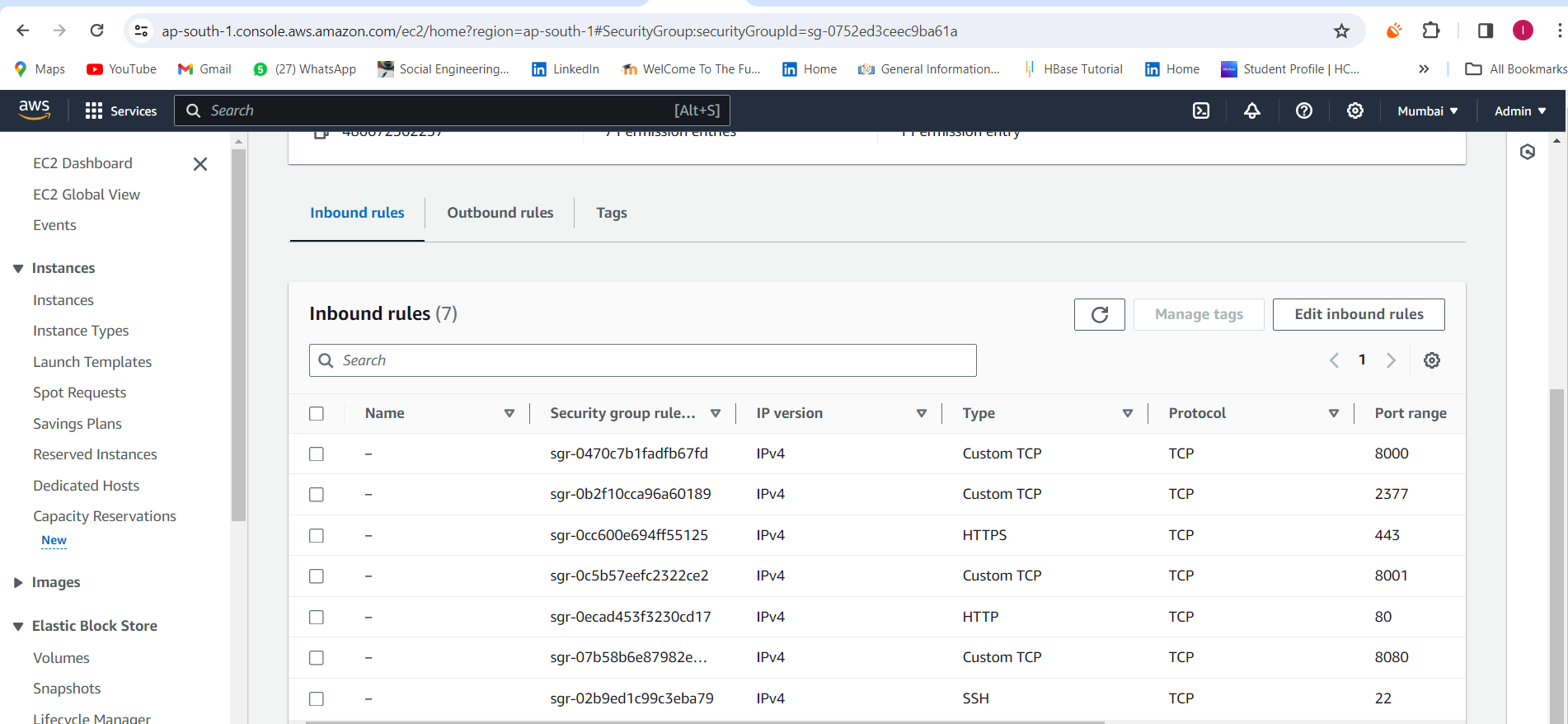
Open port 2377 in the security group for all the servers.
Now join both worker nodes o the manager node.



We can check the docker swarm status to check the connected worker nodes o manager nodes.
"docker node ls"

Let's take an image from my repository to deploy the application on the docker swarm servers.
The link to my DockerHub image is as follows:-
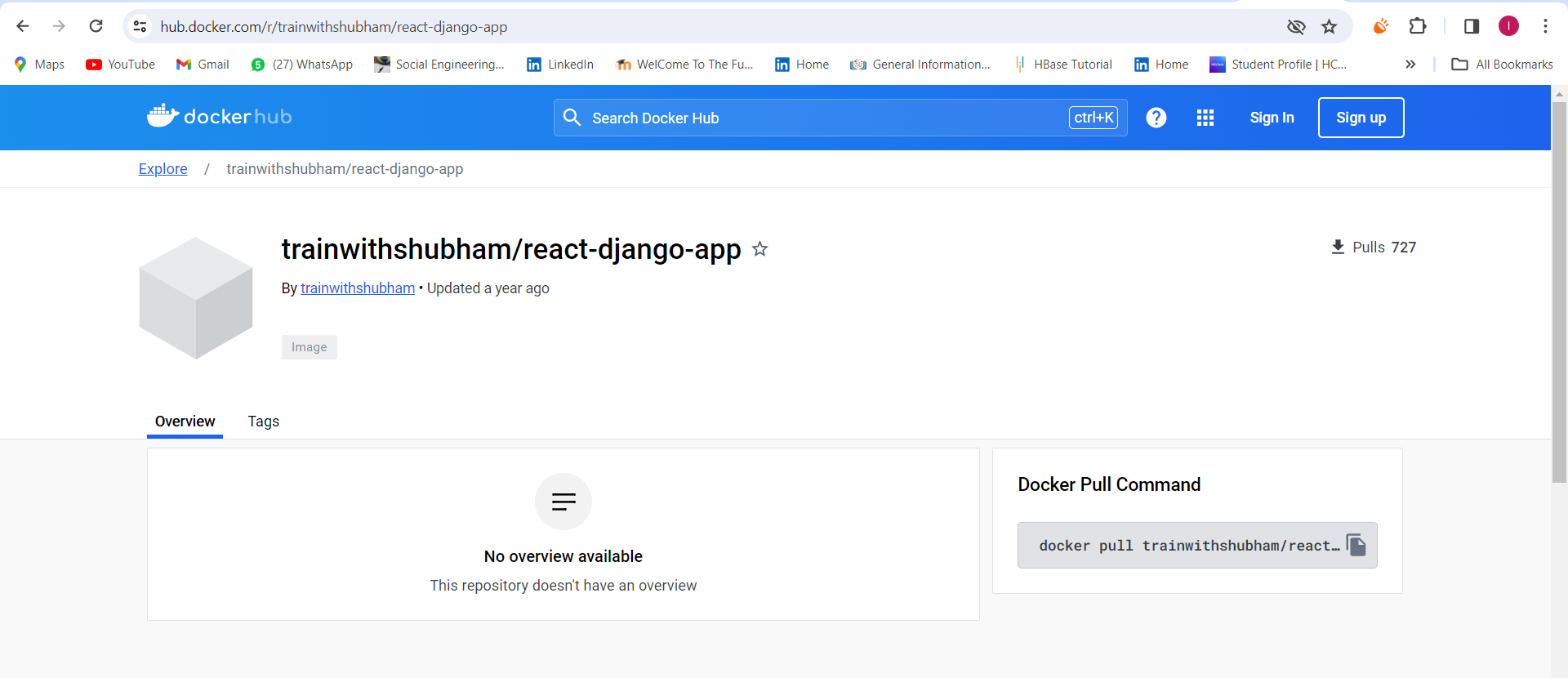
Create a service in the docker manager node server to install the application through the docker image from the docker hub.
sudo docker service create --name django-app-service --replicas 3 --publish 8001:8001 trainwithshubham/react-django-app:latest

We can check the service that is created in the manager node server.
Also, check the docker logs in the worker node servers for running docker containers.


Let's check the web-app in both the swarm node servers.
Let's check the web-app in both the swarm node servers.
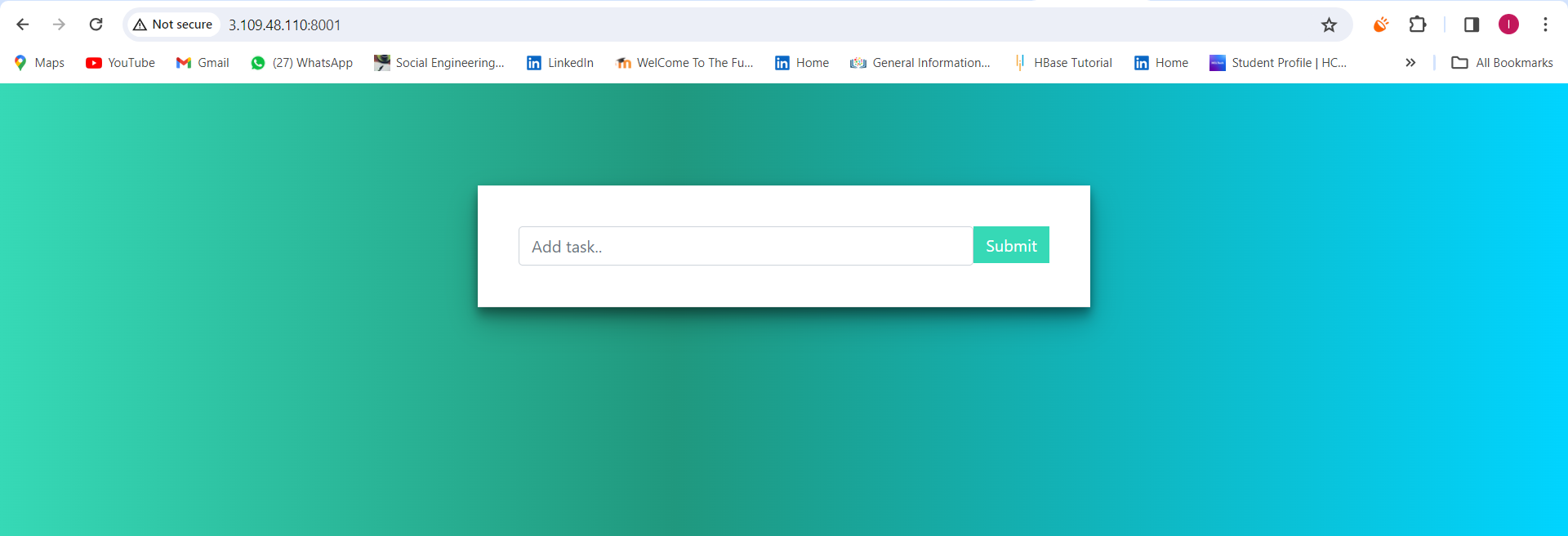
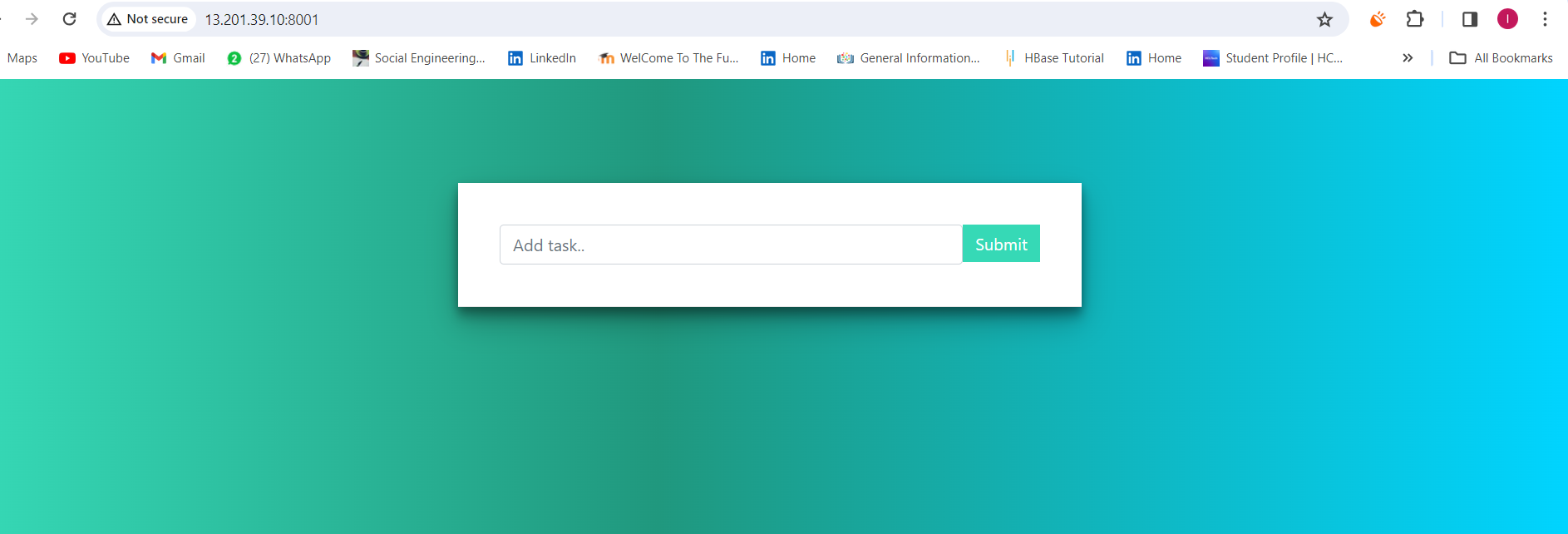
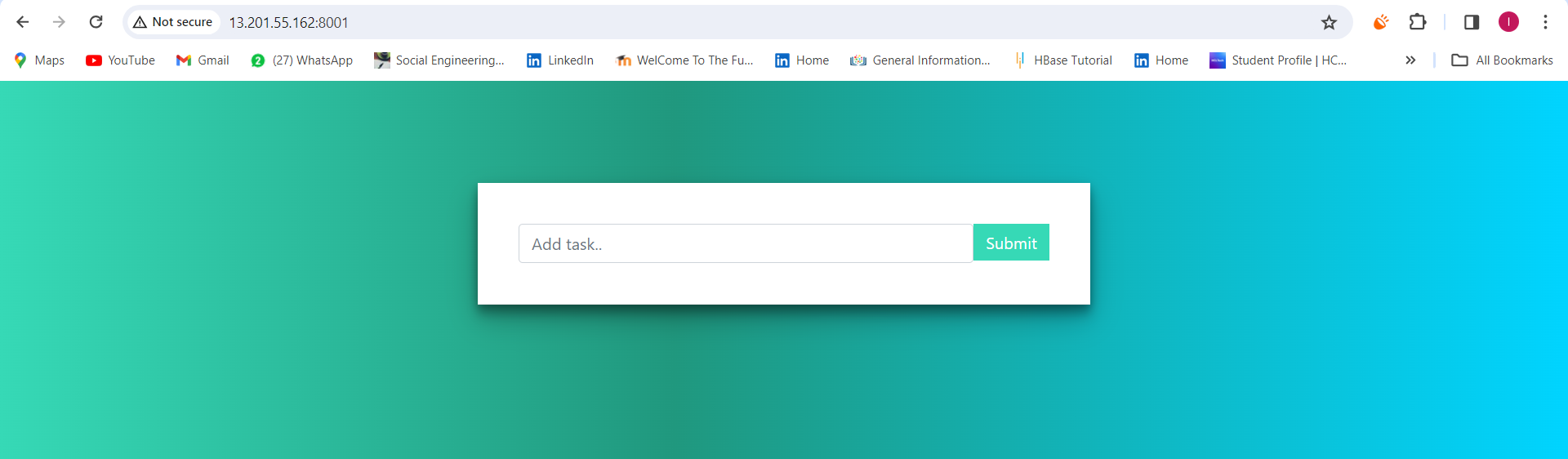
The application is running on both servers now.
Thanks for reading my article. Have a nice day.
Happy Learing ✨✨