Day 62 - Terraform and Docker 🔥
![Automate your Docker Container Deployment with Terraform [For Mac OS] | by Tharindu Abeysekara | Medium](https://miro.medium.com/v2/resize:fit:1400/1*_t3aveXd1dpE_d4_JxPN7w.png)
Introduction
Terraform, an open-source Infrastructure as Code (IaC) tool, empowers users to define and provision infrastructure using a declarative configuration language. In this guide, we will walk through creating a Terraform script to efficiently manage Docker containers and images, with a specific focus on setting up and running an Nginx container.
Task-01: Provider Block
The initial step is to configure the Docker provider using the provider block in the Terraform script. This block specifies the plugin and its version that Terraform should utilize for managing resources.
hclCopy codeterraform {
  required_providers {
    docker = {
      source  = "kreuzwerker/docker"
      version = "~> 2.21.0"
    }
  }
}

provider "docker" {}
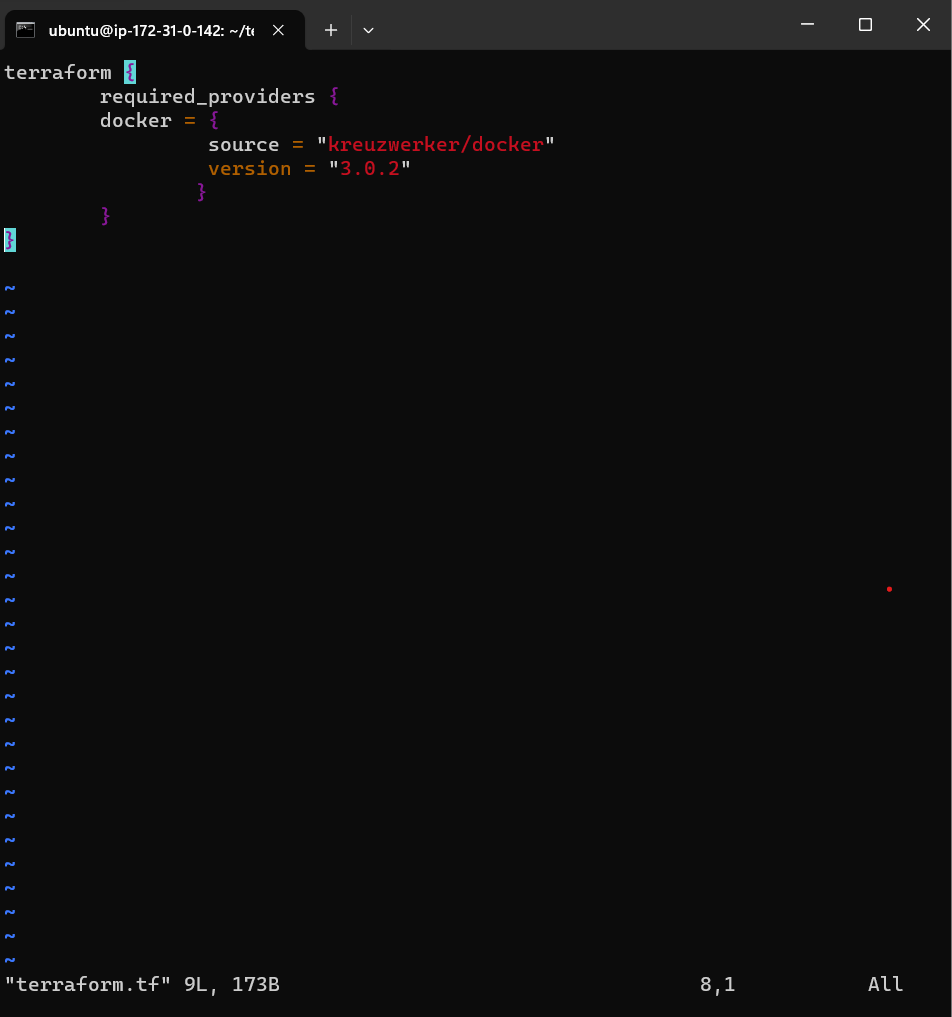
In this script snippet, we declare that the Terraform script necessitates the Docker provider from the specified source and version. The provider block configures the Docker provider for managing Docker resources.
Task-02: Resource Blocks for Nginx Docker Image and Container
Next, let's create resource blocks to define the Nginx Docker image and the container that will run the Nginx application.
Docker Image Resource Block
hclCopy coderesource "docker_image" "nginx" {
  name         = "nginx:latest"
  keep_locally = false
}
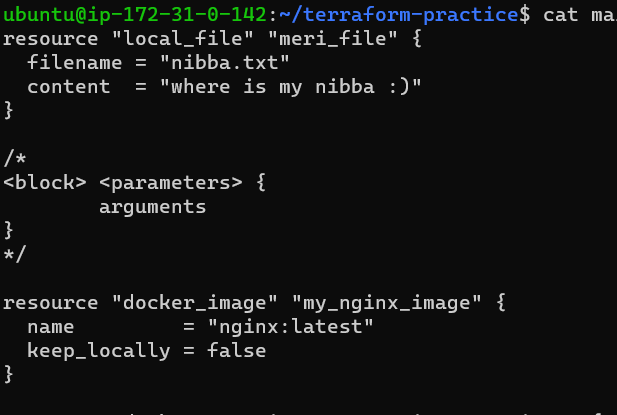
In this resource block, we specify that a Docker image named "nginx:latest" should be utilized. The keep_locally attribute is set to false, indicating that the image should not be kept locally.
Docker Container Resource Block
hclCopy coderesource "docker_container" "nginx" {
  image = docker_image.nginx.latest
  name  = "tutorial"
  ports {
    internal = 80
    external = 80
  }
}
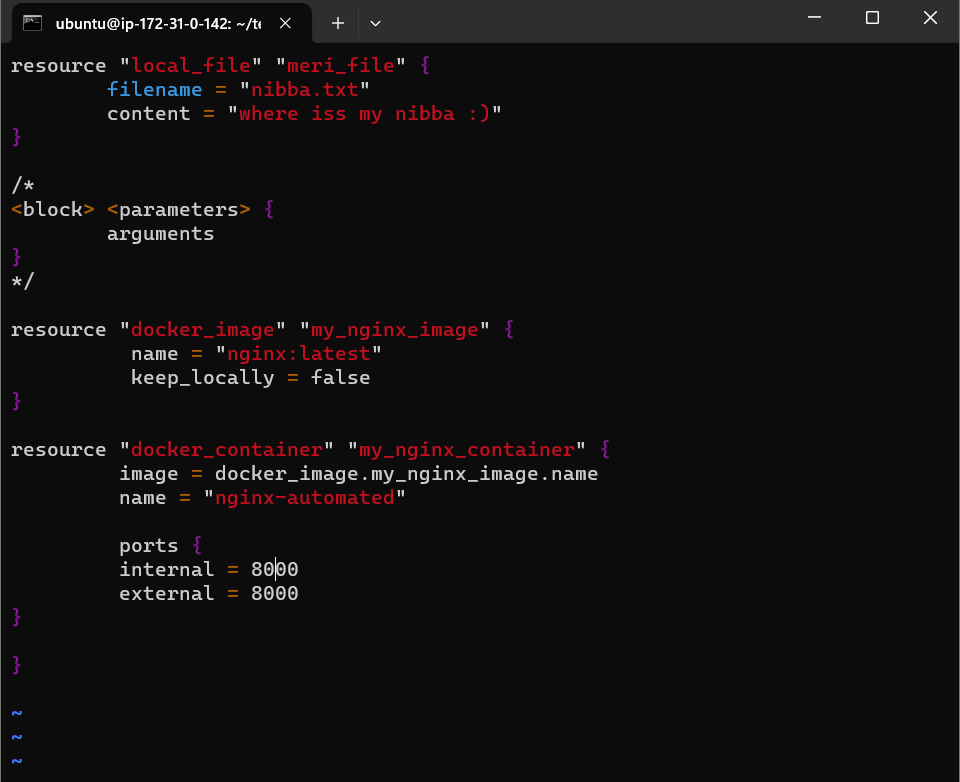
Here, we define a Docker container named "tutorial" based on the Nginx image specified earlier. Additionally, we specify that the container should map port 80 from the internal network to port 80 externally.
Task-03: Docker Installation (If not installed)
In case Docker is not installed on the system where Terraform will be executed, the following commands can be used to install Docker:
bashCopy codesudo apt-get install docker.io
sudo docker ps
sudo chown $USER /var/run/docker.sock
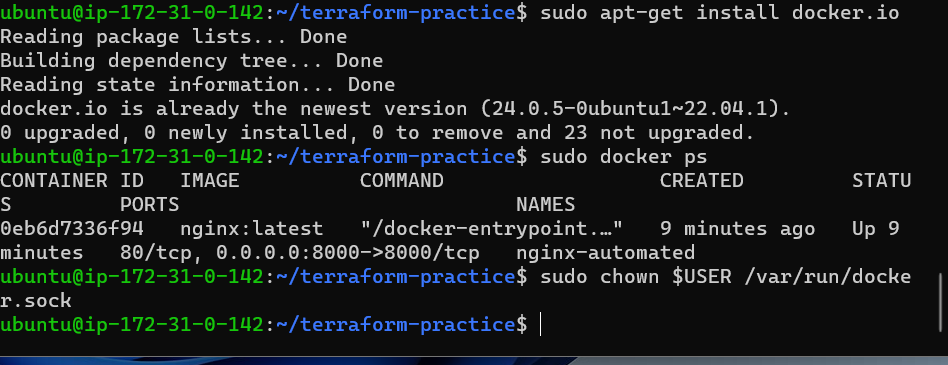
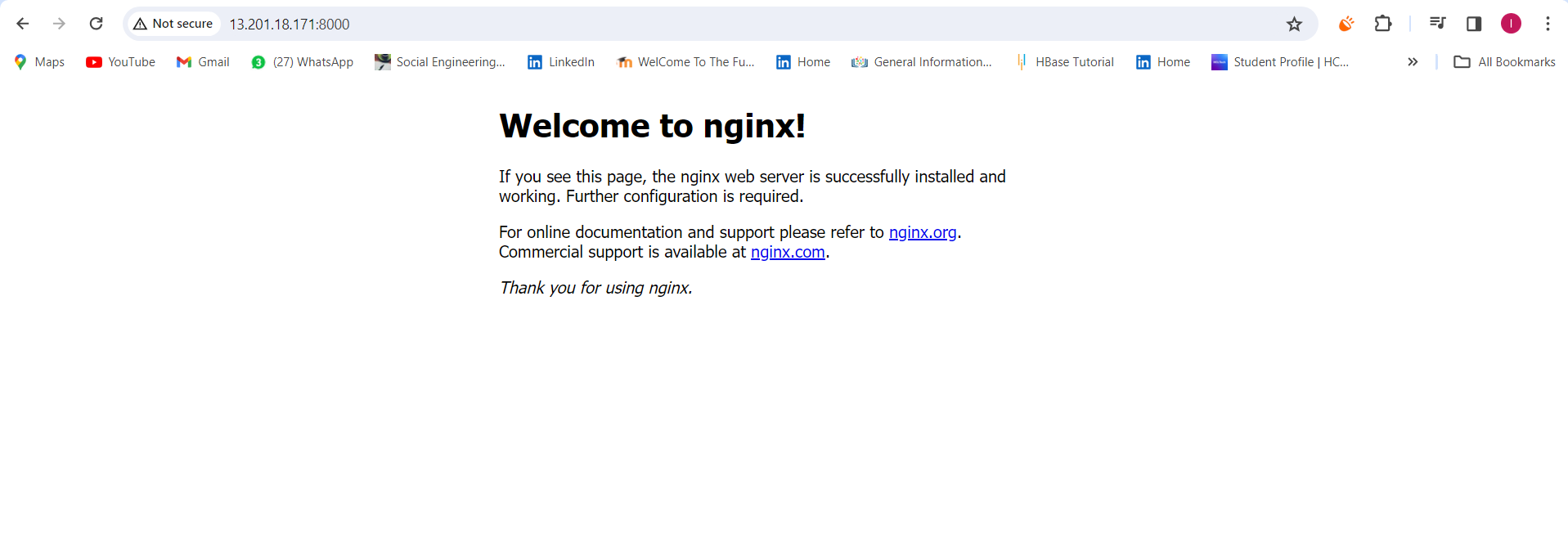
These commands install Docker, verify running Docker processes, and adjust permissions for the Docker socket.
Conclusion
With the provided Terraform script, managing Docker resources for an Nginx container becomes straightforward. The script ensures the Docker provider is configured correctly, the Nginx Docker image is defined, and a container based on that image is set up with the specified configurations. Customize the script as needed to meet your specific infrastructure requirements.
Happy Terraforming and Dockering!
Lokesh Telange ✨✨