Day 61- Terraform🔥

Introduction
Welcome back to Day 61 of the 90 Days of DevOps journey! Today, let's dive deeper into Terraform, focusing not only on essential commands but also exploring its competitive landscape. We're about to unravel the intricacies of infrastructure as code with Terraform!
Terraform Commands:
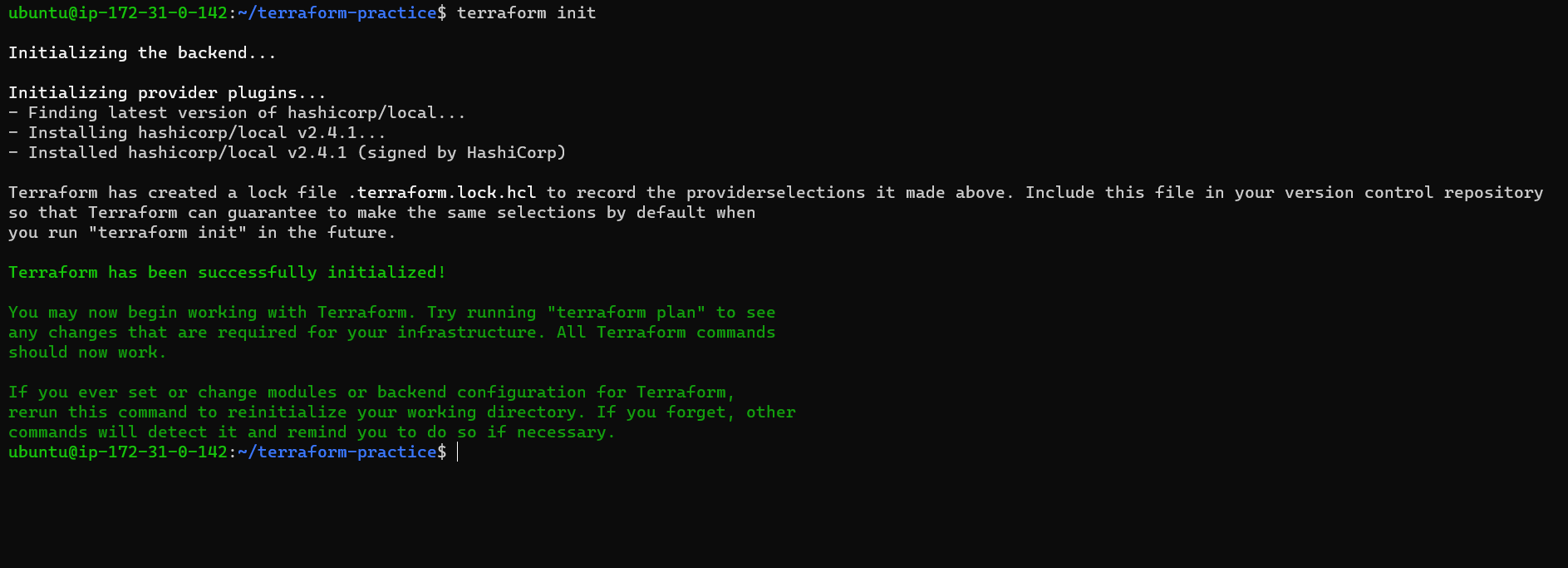
1. terraform init
The command that kicks off your Terraform project. It initializes the working directory, downloads necessary providers, and sets up the backend.
2. terraform init -upgrade
Update your Terraform plugins to the latest versions. Helpful when you want to make sure you're using the latest features and improvements.
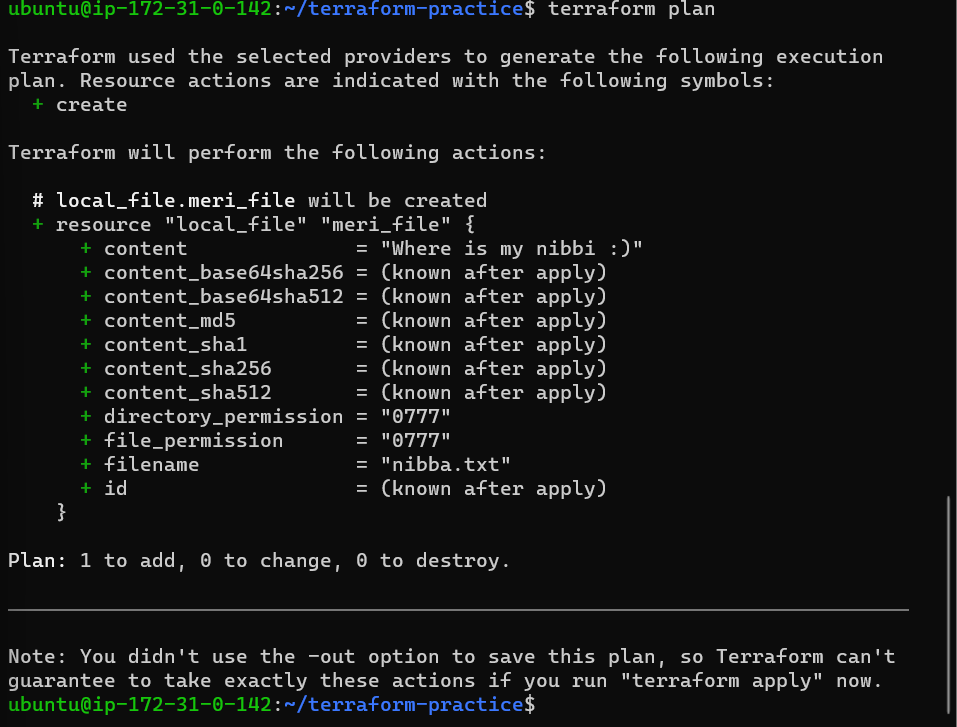
3. terraform plan
This command creates an execution plan, showing what actions Terraform will take to bring your infrastructure to the desired state. A crucial step before applying changes.
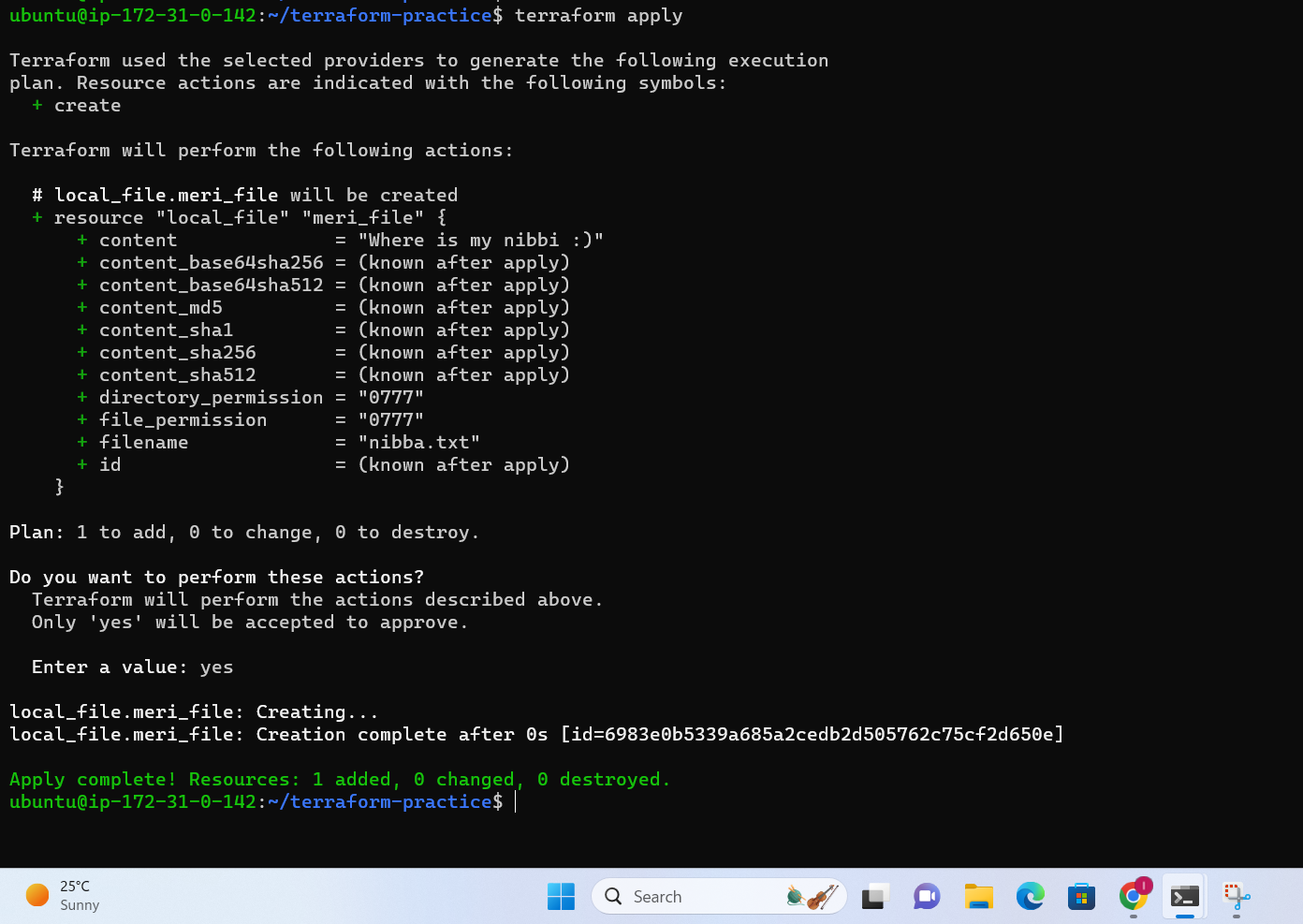
4. terraform apply
The magic happens here. Apply executes the changes proposed in the plan. Your infrastructure starts shaping up according to the Terraform script.
5. terraform validate
Checks your configuration files for syntax errors and other issues. A quick validation step to catch errors early.

6. terraform fmt
Formatting matters. This command ensures consistent formatting across your Terraform configuration files

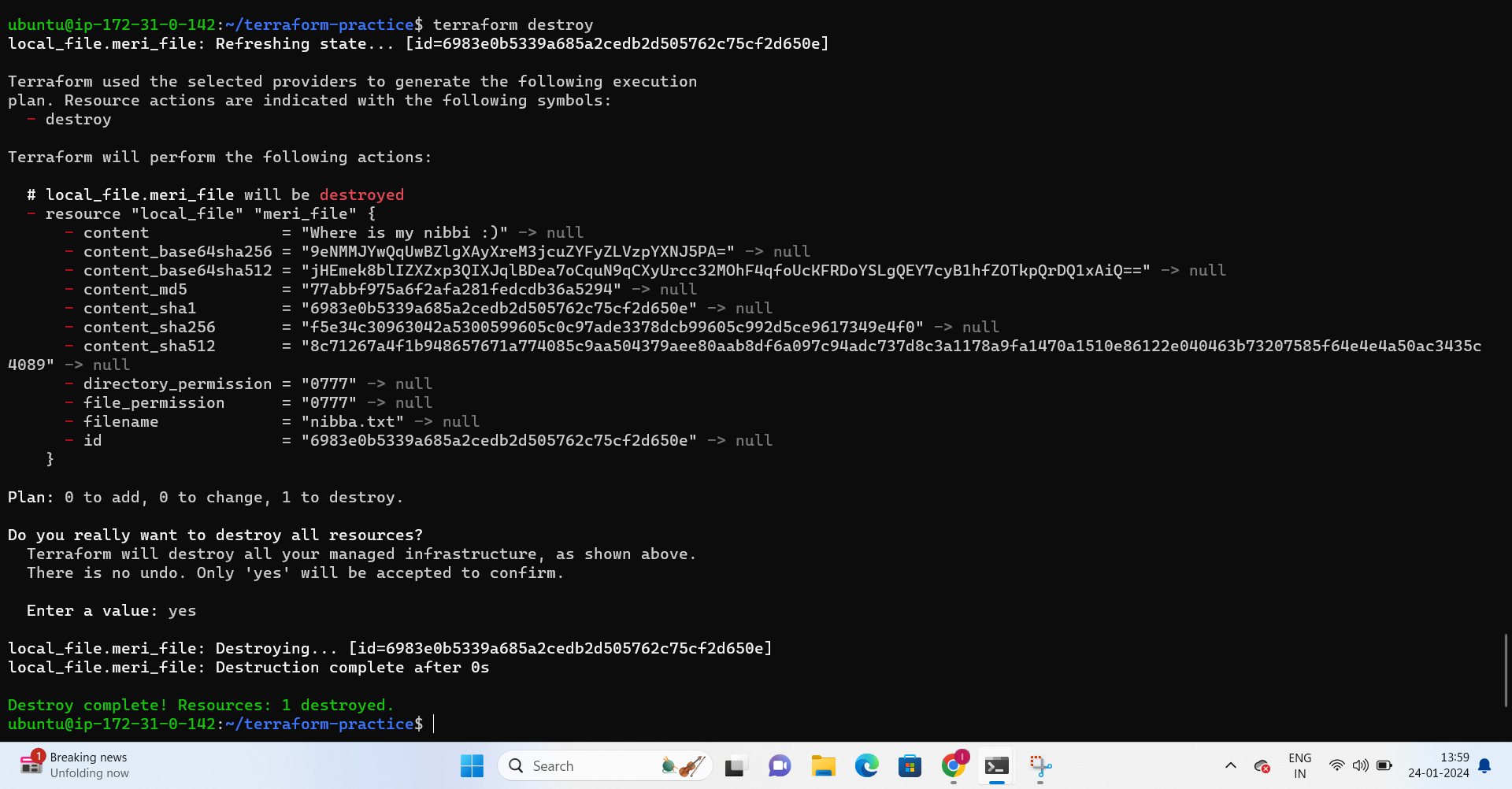
7. terraform destroy
The undo button. Destroys the Terraformed infrastructure, reverting it back to the state before applying the changes.
Terraform in the Landscape
Now, let's explore Terraform's main competitors:
Ansible
Ansible excels in configuration management, automating tasks such as software provisioning, configuration, and application deployment. Its agentless approach simplifies management across diverse systems.
Packer
Packer complements Terraform by specializing in creating machine images for multiple platforms. It ensures consistency in infrastructure by providing pre-configured images.
Cloud Foundry
As a robust platform-as-a-service (PaaS) solution, Cloud Foundry streamlines application deployment and management, simplifying the developer experience.
Kubernetes
While Kubernetes is primarily an orchestration tool, it competes in the infrastructure management space, especially for containerized applications. It excels in container orchestration and scaling.
Crafting Your Terraform Journey
Understanding the intricacies of Terraform commands is pivotal. Initiate, plan, apply, and validate your way to successful infrastructure management. The fmt command ensures your code remains clean and readable, while destroy provides an exit strategy when needed.
In the broader landscape, consider Terraform's competitors. Each tool brings unique strengths to the table, and the choice depends on your specific needs and preferences.
Keep blazing through the 90 Days of DevOps! Stay tuned for more in-depth insights and hands-on experiences.
Happy Learning, Terraformers! 🚀💻
Lokesh Telange ✨✨