Day 60 - Terraform🔥
Task 1: Install Terraform on Your System
Step 1: Visit the Terraform Download Page
Navigate to the official Terraform download page.
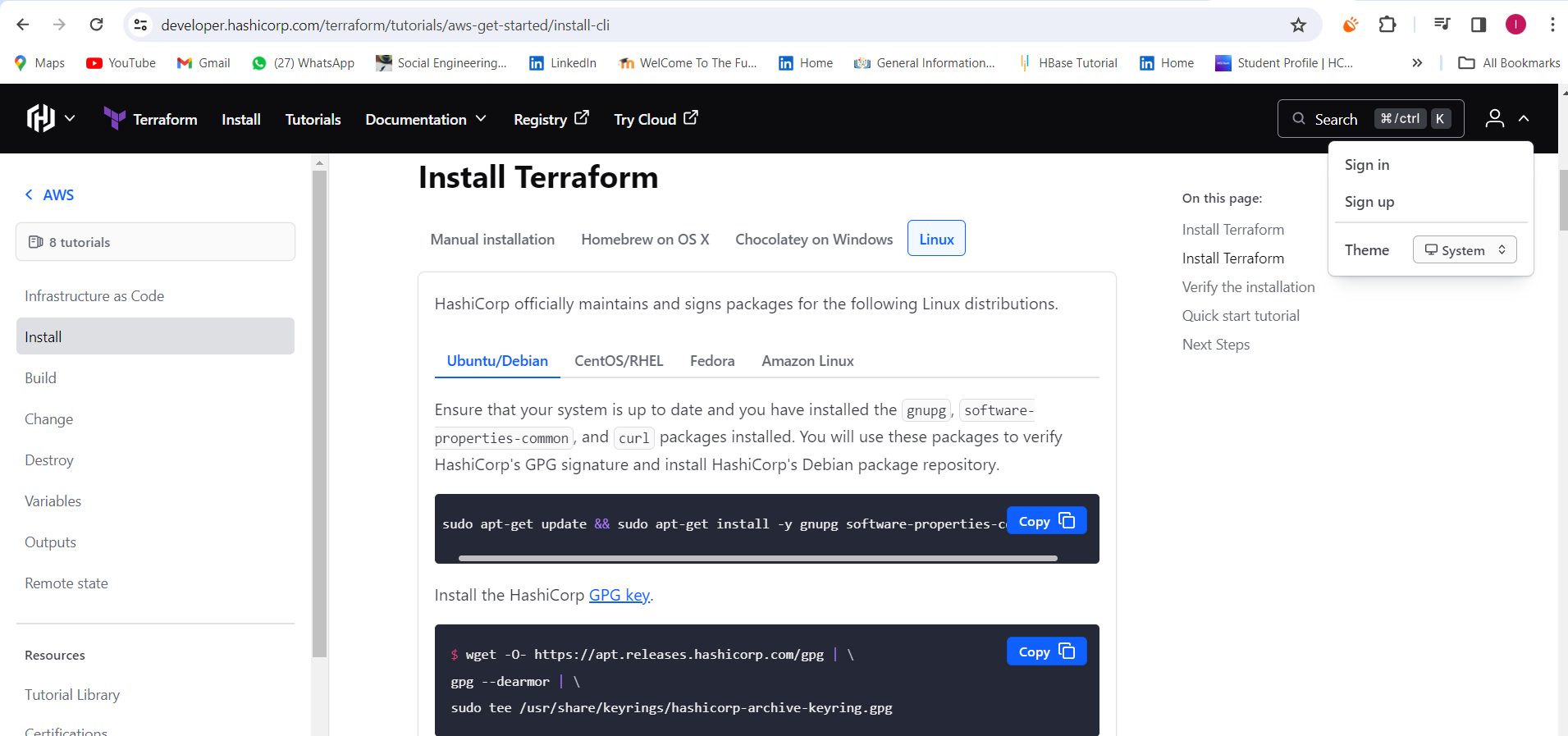
Step 2: Download the Appropriate Version for Your Operating System
Choose the version of Terraform that corresponds to your operating system. In this example, we'll select the version for Windows.
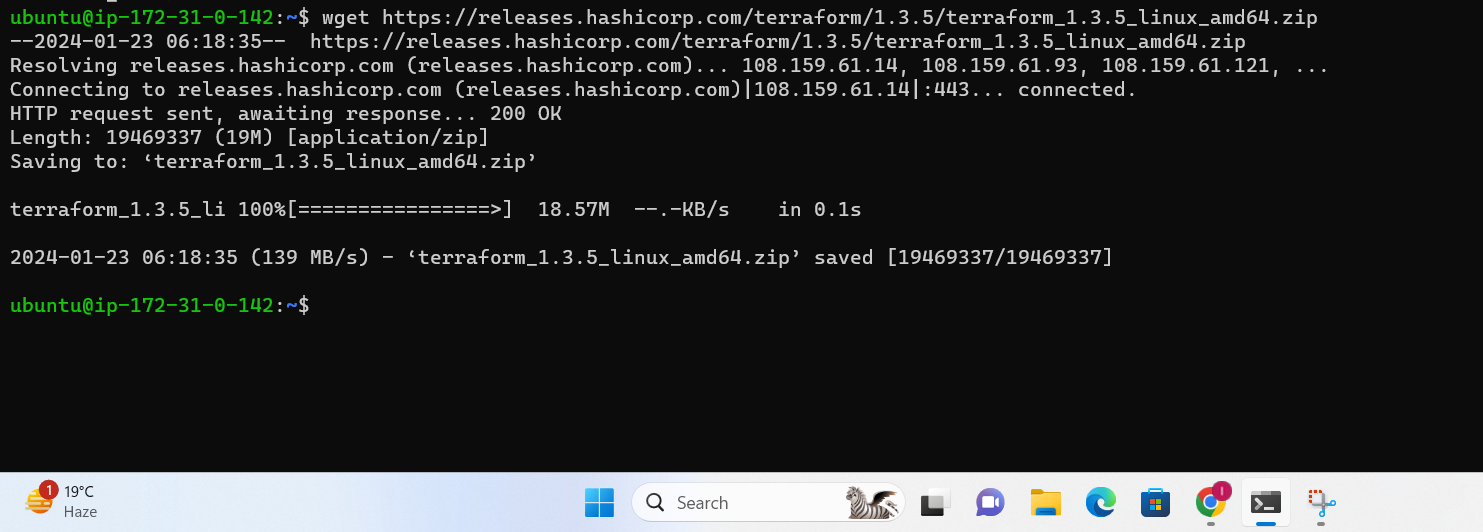
Step 3: Extract the Downloaded Zip File
Once the download is complete, extract the contents of the zip file to a location on your machine.

Step 4: Add Terraform to Your System PATH
Add the location of the extracted Terraform executable to your system's PATH environment variable. This step ensures that you can run Terraform from any command prompt.

Step 5: Verify the Installation
Open a new command prompt and run the following command to verify that Terraform is installed:
bashCopy codeterraform --version

You should see output indicating the installed Terraform version.
Congratulations! You've successfully installed Terraform on your system.
What is Terraform?
Terraform is an infrastructure as code (IaC) tool that allows you to create, manage, and update infrastructure resources such as virtual machines, networks, and storage in a repeatable, scalable, and automated way.
Task 2: Answer the questions
Why we use Terraform?
Terraform is used for several reasons:
Infrastructure as Code (IaC): Terraform allows you to define and provision infrastructure using a declarative configuration language. This enables version control, collaboration, and the ability to treat infrastructure as code.
Automation: Terraform automates the provisioning and management of infrastructure, making it faster and less error-prone compared to manual methods.
Scalability: Terraform is designed to handle large and complex infrastructure deployments, making it suitable for both small projects and large-scale enterprise applications.
Multi-Cloud Support: It supports various cloud providers, allowing users to manage resources across different cloud platforms using a single tool.
What is Infrastructure as Code (IaC)?
Infrastructure as Code is a methodology that involves managing and provisioning computing infrastructure through machine-readable script files, rather than through physical hardware configuration or interactive configuration tools. With IaC, infrastructure is defined and managed using code, allowing for consistency, version control, and automation.
What is a Resource?
In Terraform, a resource is a piece of infrastructure, such as a virtual machine, network, or database, that you want to manage. Resources are defined in Terraform configuration files and are created, updated, or destroyed based on the desired state specified in those files.
What is a Provider?
A provider in Terraform is a plugin that interacts with a specific infrastructure platform or service. Providers allow Terraform to manage resources on platforms like AWS, Azure, Google Cloud, or even on-premises environments. Each provider has its own set of resource types and configuration options.
What is the State file in Terraform? What's the importance of it?
The state file in Terraform is a JSON-formatted file that keeps track of the current state of the infrastructure managed by Terraform. It includes information about the resources that have been created, their configuration, and other metadata. The state file is crucial because it allows Terraform to understand the current state of the infrastructure and make necessary changes to achieve the desired state. It also helps in coordination when working in a team, as it serves as a shared reference for all team members.
What is Desired and Current State?
Desired State: This is the state defined in the Terraform configuration files. It represents the infrastructure's intended configuration, specifying which resources should be created, modified, or deleted.
Current State: This is the actual state of the infrastructure as recorded in the Terraform state file. It reflects the real-time status of the deployed resources. Terraform continuously works to align the current state with the desired state, making necessary changes to achieve consistency.
Prepare for tomorrow's task and consider creating a Hashnode article to document your learning journey with Terraform. Cover topics such as installation, basic configuration, and usage of Terraform commands. This will not only reinforce your understanding but also serve as a valuable resource for others. Good luck! 🚀📚
Happy Learning:
Lokesh Telange ✨✨