Day 59: Ansible Project 🔥

It's great to see you working on an Ansible project! Here's a step-by-step guide to help you achieve your tasks:
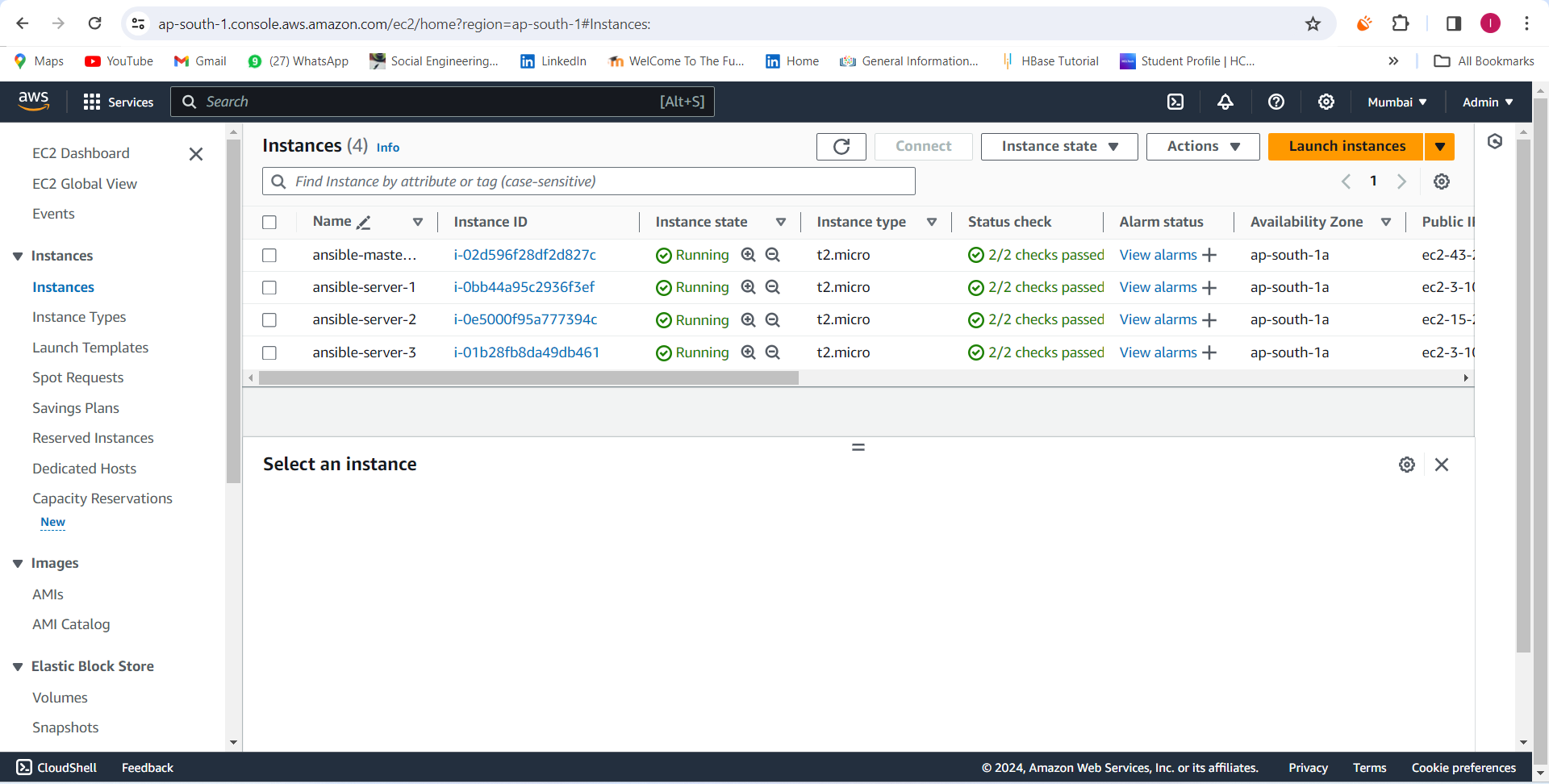
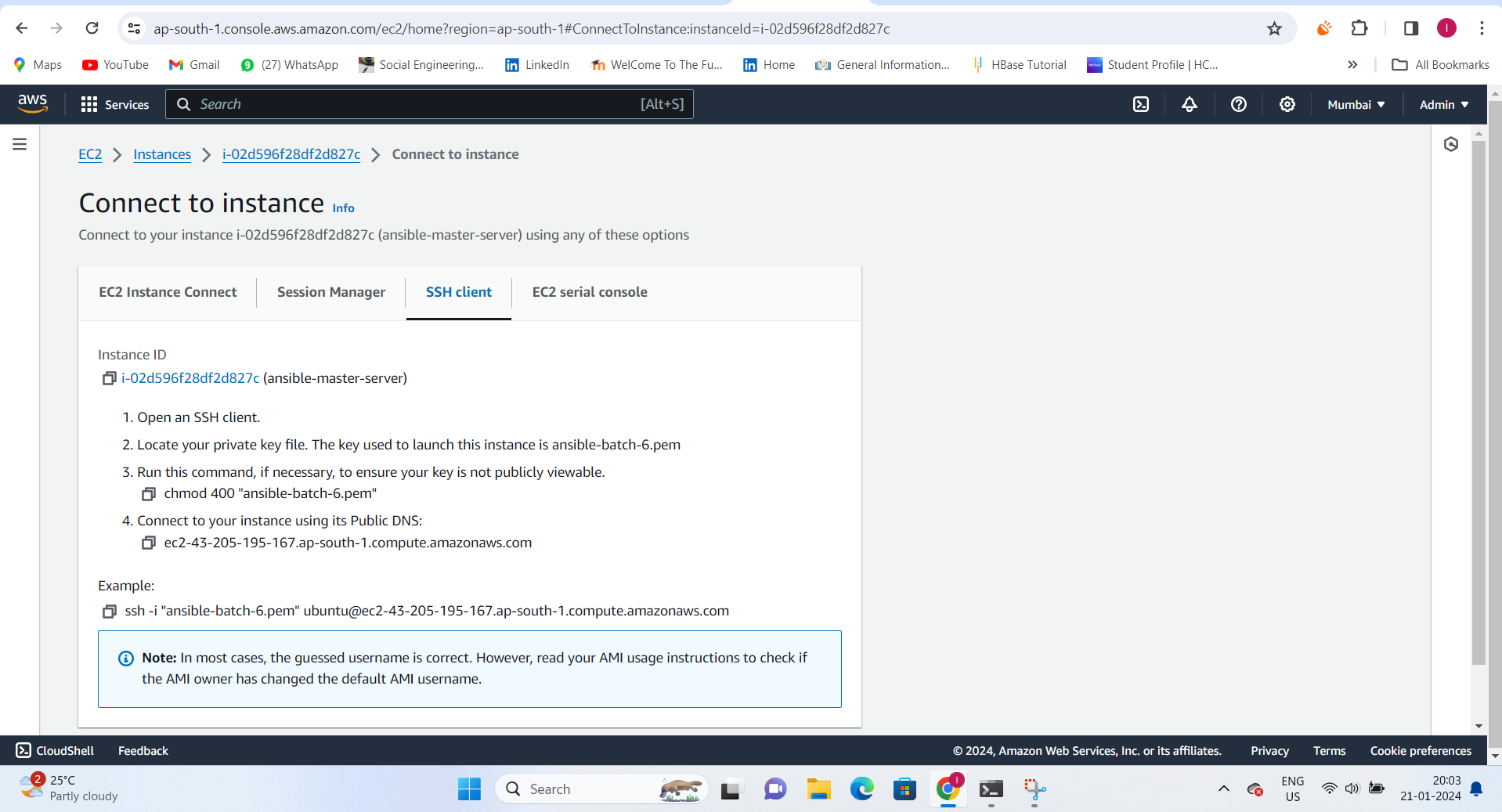
Task-01: Create 3 EC2 instances with the same key pair
Use the AWS Management Console or AWS CLI to create three EC2 instances.
Make sure to use the same key pair for all three instances.
Note down the public IP addresses of the instances for later use.
Task-02: Install Ansible in the host server
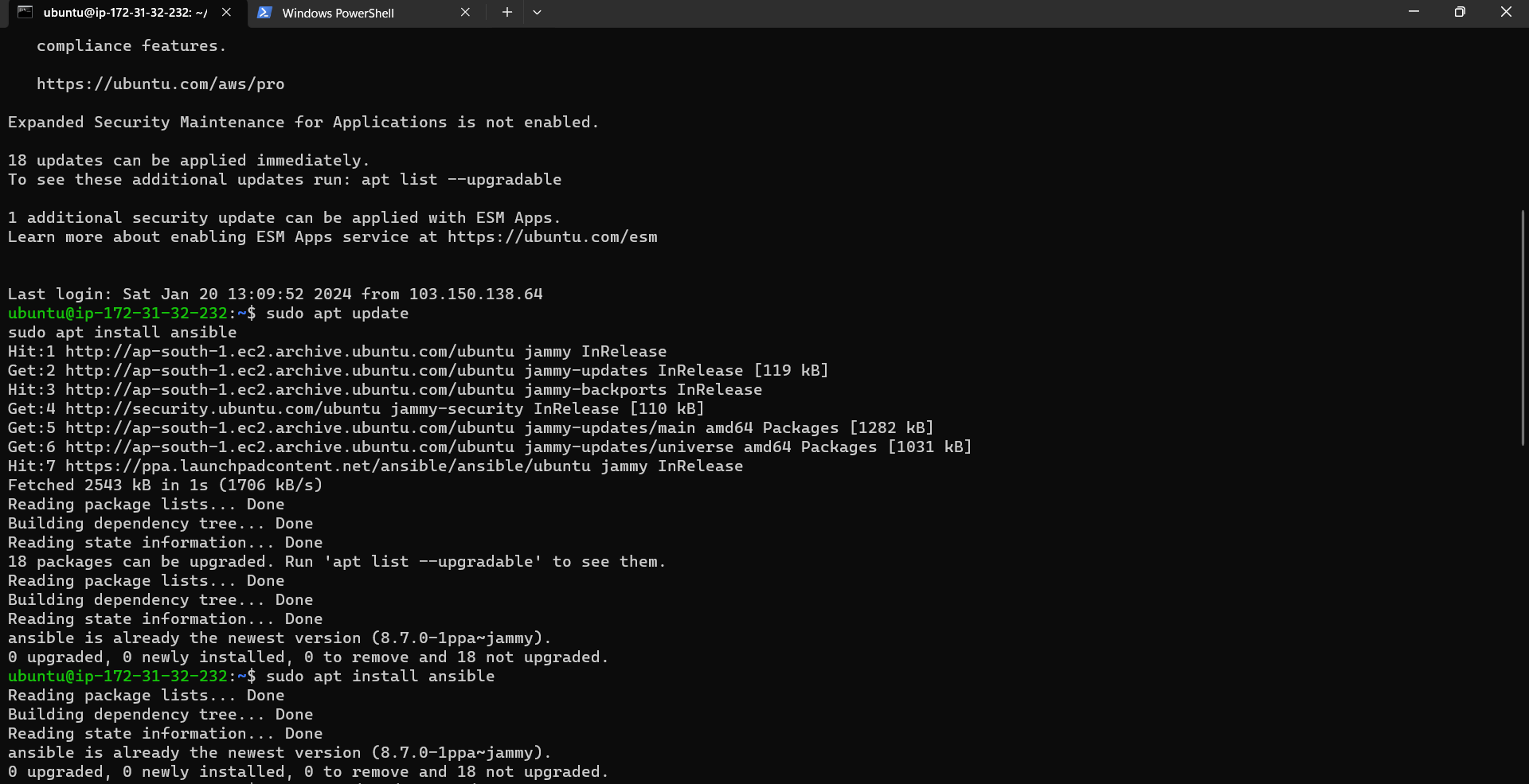
Connect to your Ansible host server and install Ansible. Assuming you're using Ubuntu, you can use the following commands:
sudo apt update
sudo apt install ansible
Task-03: Copy the private key from local to Ansible host
Assuming you have the private key on your local machine, use scp to copy it to your Ansible host:
scp /path/to/your/private-key.pem user@ansible_host_ip:/home/ubuntu/.ssh/
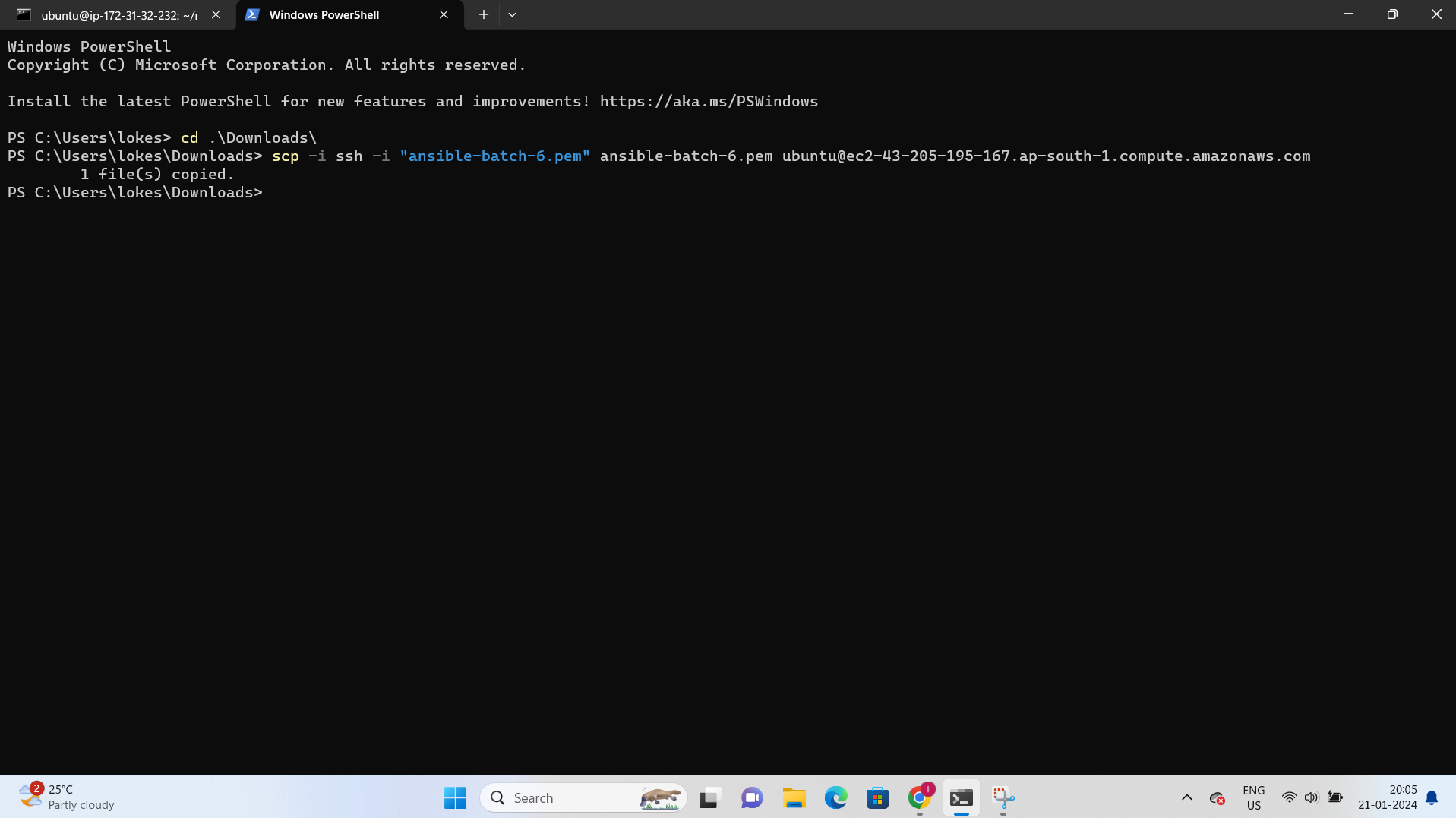
Replace /path/to/your/private-key.pem, user, ansible_host_ip with the actual path to your private key, your server's username, and the IP address of your Ansible host.
Task-04: Access the inventory file using sudo vim
Edit the Ansible inventory file to include the details of your EC2 instances. Open the inventory file using sudo vim /etc/ansible/hosts and add the following:
[web_servers]
ec2_instance_ip1
ec2_instance_ip2
ec2_instance_ip3
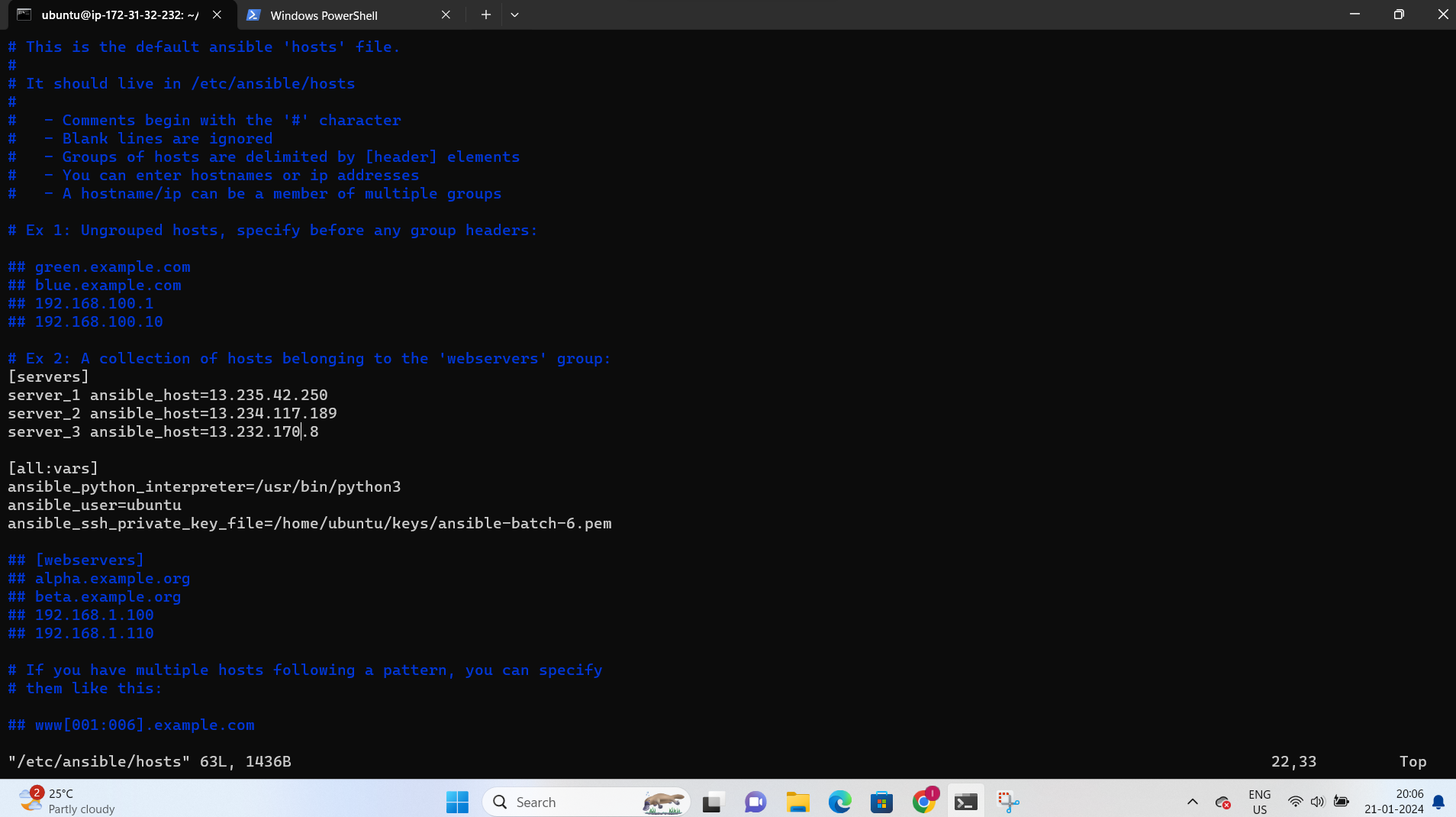
Replace ec2_instance_ip1, ec2_instance_ip2, and ec2_instance_ip3 with the public IP addresses of your EC2 instances.
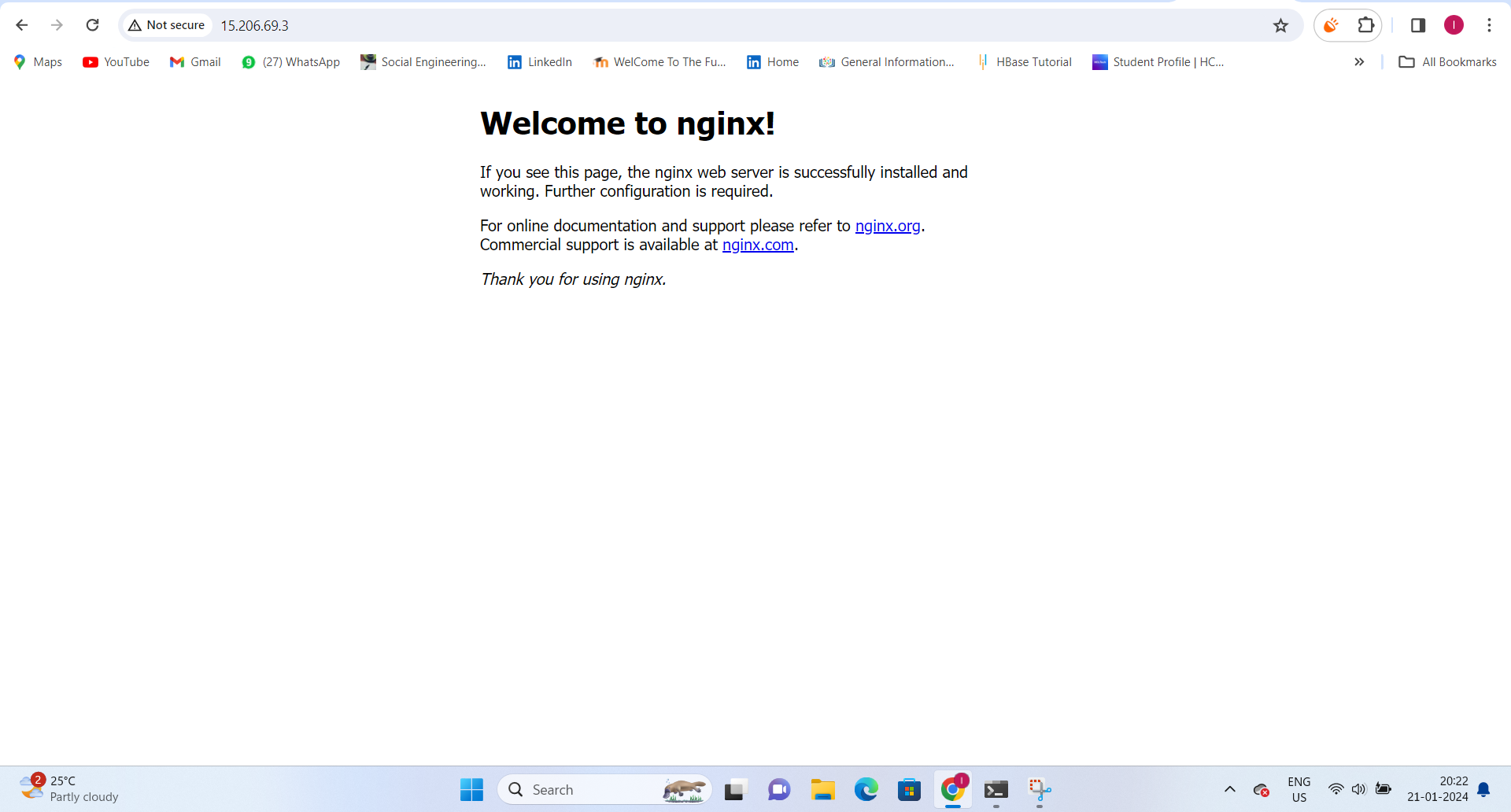
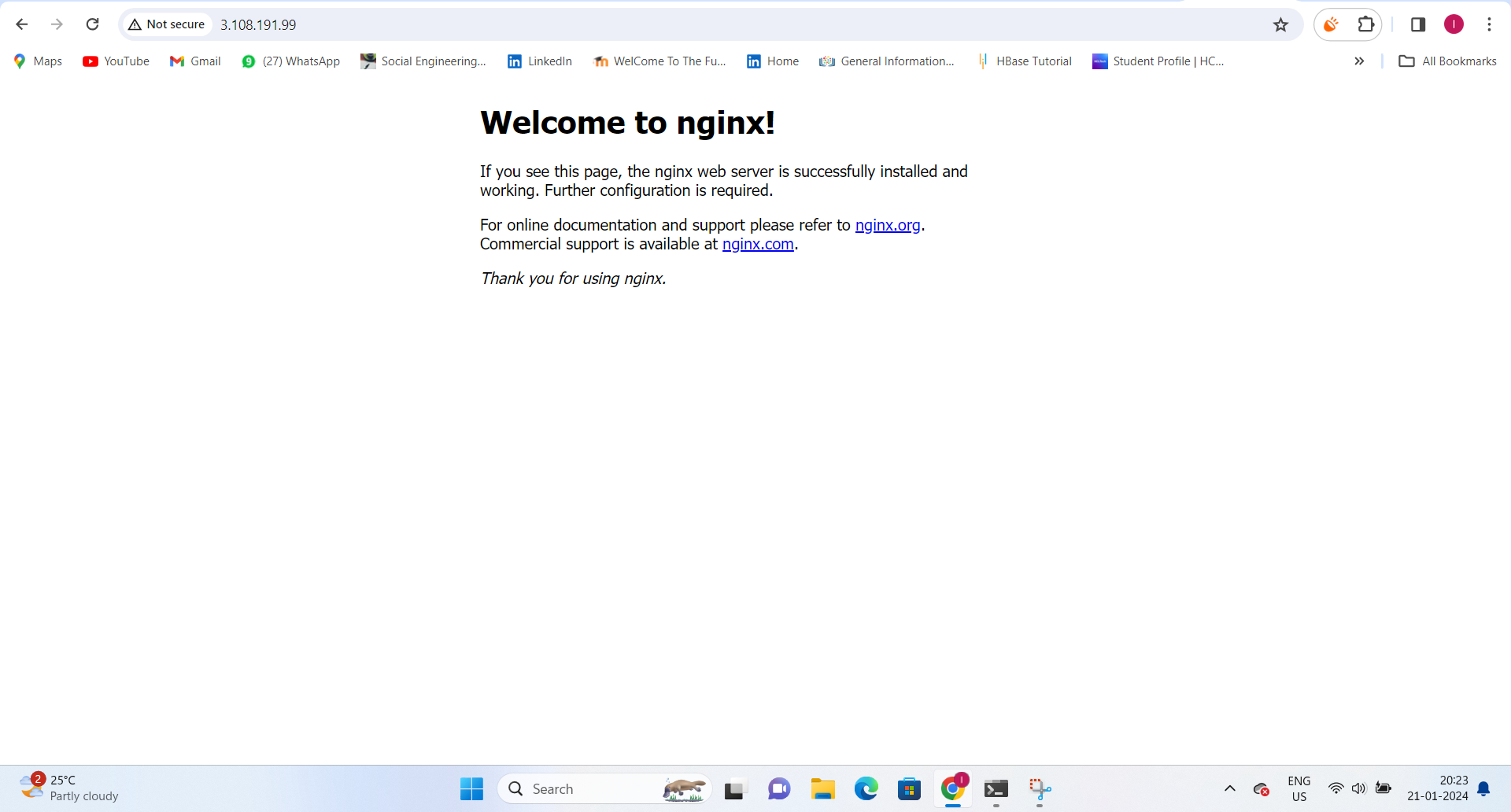
Task-05: Create a playbook to install Nginx
Create an Ansible playbook, let's say nginx_install.yml, with the following content:
---
- name: Install Nginx
  hosts: web_servers
  become: yes

  tasks:
    - name: Update apt cache
      apt:
        update_cache: yes

    - name: Install Nginx
      apt:
        name: nginx
        state: present

    - name: Start Nginx service
      service:
        name: nginx
        state: started
        enabled: yes
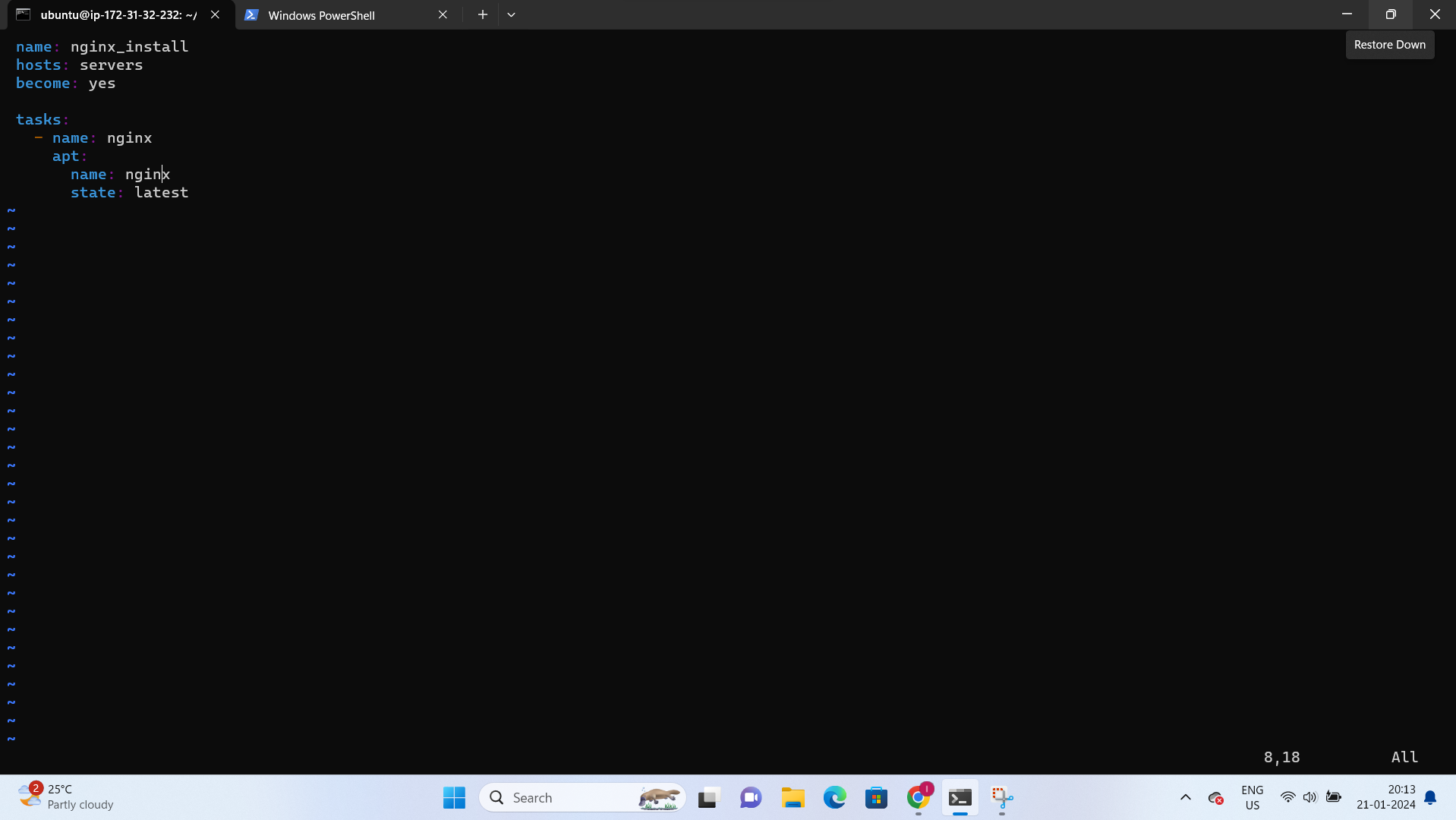
Task-06: Deploy a sample webpage using the Ansible playbook
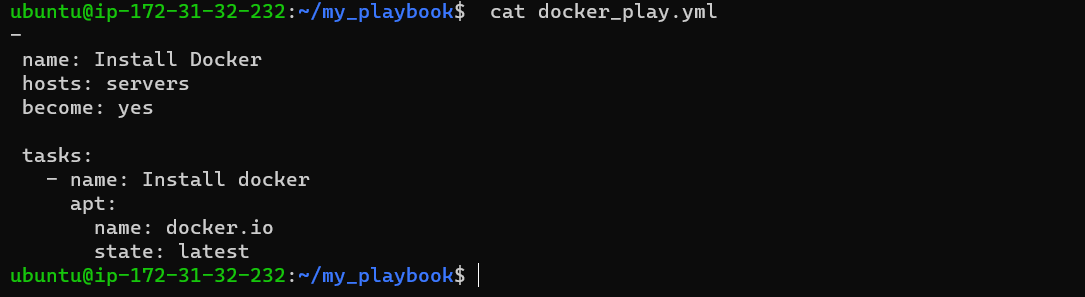
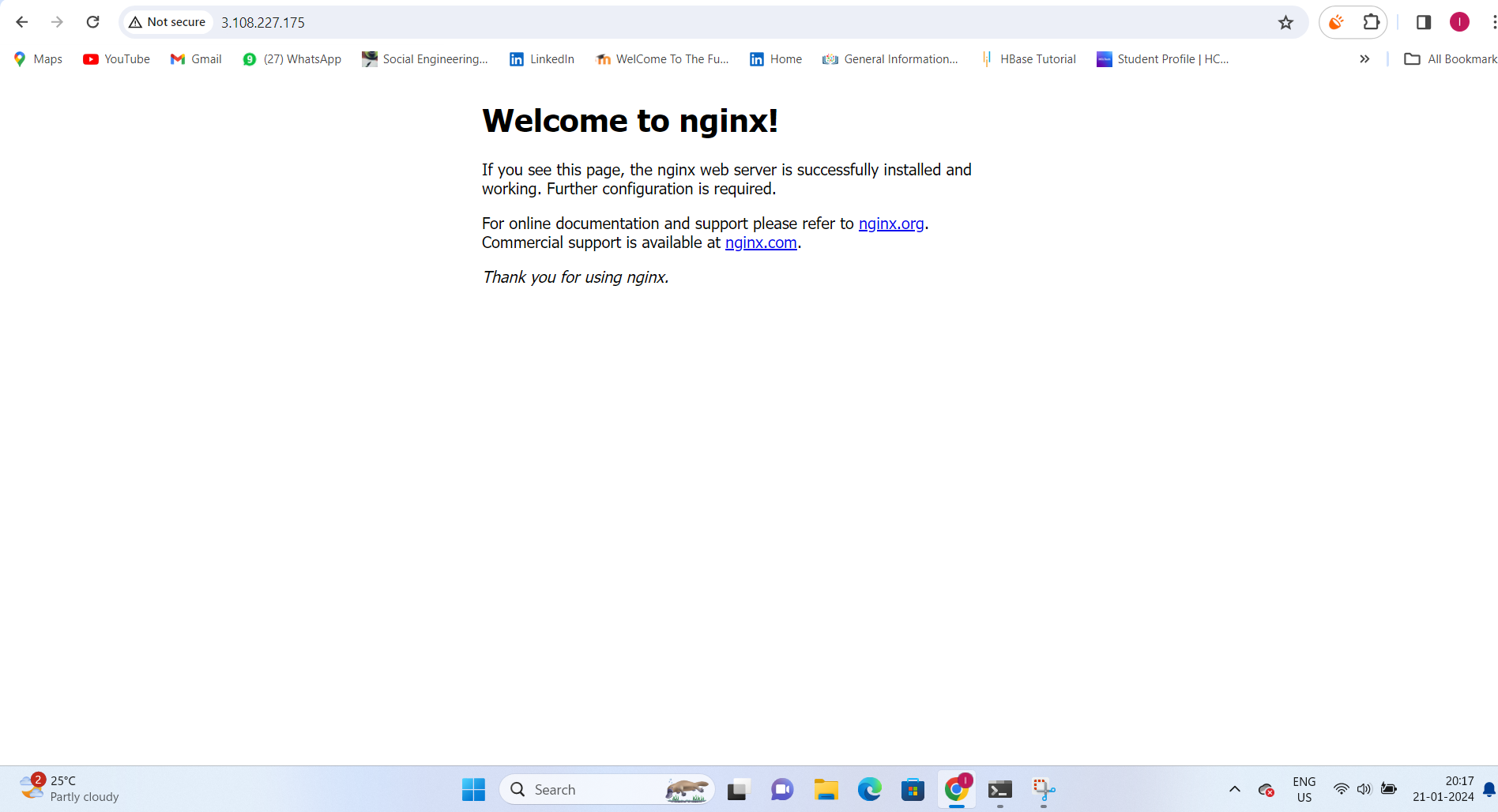
Extend the playbook (nginx_install.yml) to deploy a sample webpage:
---
- name: Install Nginx and deploy sample webpage
  hosts: web_servers
  become: yes

  tasks:
    # ... (previous tasks)

    - name: Create sample index.html
      copy:
        content: "<html><body><h1>Hello from Ansible!</h1></body></html>"
        dest: /var/www/html/index.html

    - name: Restart Nginx service
      service:
        name: nginx
        state: restarted
Thank you for reading!! I hope you find this article helpful!!
Happy Learning!!
Lokesh Telange ✨✨
That's it! Good luck with your Ansible project!