Day 47: AWS Elastic Beanstalk
Deploying a Simple Website with AWS Elastic Beanstalk
Greetings DevOps enthusiasts! Today, in Day 47 of our #90DaysofDevOps Challenge, we'll embark on a journey to deploy a straightforward website using AWS Elastic Beanstalk. Let's break down the steps to get your website up and running seamlessly.
Unveiling AWS Elastic Beanstalk
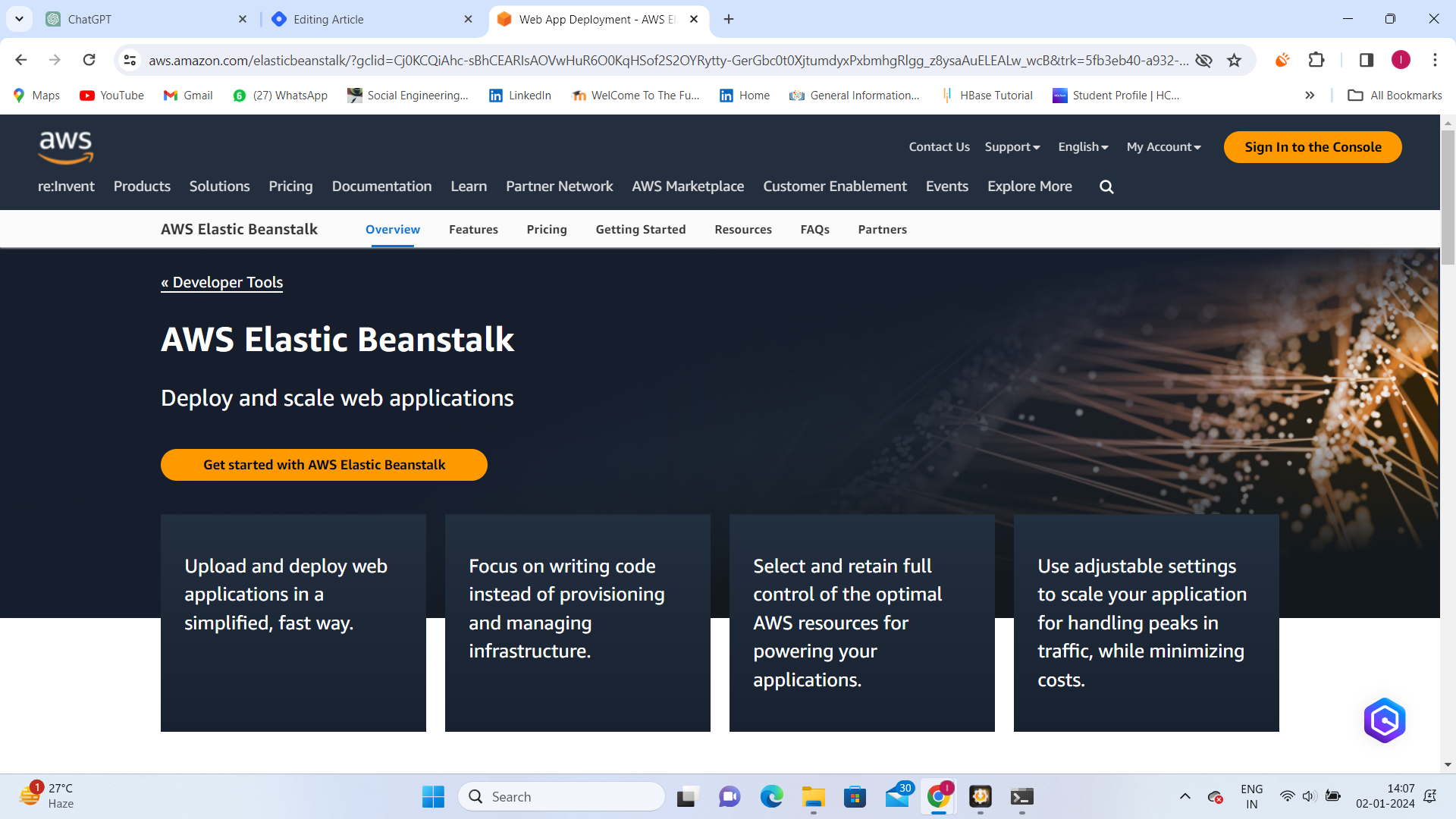
What is AWS Elastic Beanstalk? AWS Elastic Beanstalk is your go-to service for simplifying web application deployment. Supporting multiple programming languages and runtime environments, it's the perfect tool for streamlining application sharing across diverse teams.
Why Opt for AWS Elastic Beanstalk?
Scalability: Effortlessly scale applications based on demand.
Quick Deployment: Swiftly launch applications without intricate configurations.
Cost Efficiency: Optimize costs with efficient resource allocation.
Simplified Operations: Reduce complexities associated with deployment and scaling.
Essential Components
Before we dive into deployment, let's understand the key components of AWS Elastic Beanstalk.
Application Version: Represents a specific release of your application's codebase.
Environment Tier: Defines the infrastructure resources allocated (e.g., web server environment).
Environment: A collection of AWS resources running a specific application version.
Configuration Template: Defines settings like instance types, scaling options, and more.
Deployment Walkthrough
Task-01: Set Up Your Elastic Beanstalk Environment
Access AWS Elastic Beanstalk Console: Navigate to the console to kickstart the deployment.
Choose a Platform: Select the platform suitable for your website (e.g., Node.js, Python).
Upload Code: Deploy your website's code.
Configure Environment: Fine-tune settings like instance types and scaling options.
Task-02: Monitoring and Troubleshooting
Monitor with AWS CloudWatch: Leverage AWS CloudWatch for real-time insights.
Troubleshoot: Address any hiccups during the deployment.
Conclusion
AWS Elastic Beanstalk simplifies the complex task of deploying web applications, making it an ideal choice even for hosting simple websites. Follow the outlined steps, experiment with the console, and watch your website come to life effortlessly.
Happy coding, and stay tuned for more insights on the #90DaysofDevOps Challenge!
#DevOps #AWS #ElasticBeanstalk #CloudComputing #TechJourney