Day 41: Setting up an Application Load Balancer with AWS EC2 🚀 ☁

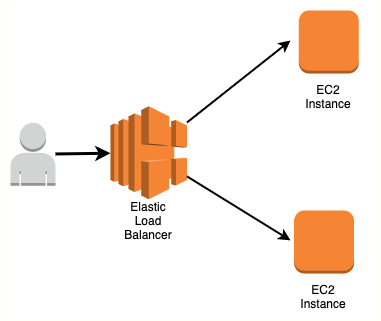
Hello Cloud Enthusiasts! Yesterday, we explored launch templates and instances in EC2, and today we're diving into the critical concept of Load Balancing.
What is Load Balancing?
Load balancing distributes workloads across multiple servers, ensuring consistent and optimal resource utilization. This is crucial for large-scale and scalable computing systems, improving reliability and application performance.
Elastic Load Balancing (ELB):
Amazon Web Services provides Elastic Load Balancing (ELB), which automatically distributes incoming traffic across multiple EC2 instances. ELB offers three types of load balancers:
Application Load Balancer (ALB):
Operates at layer 7 of the OSI model.
Ideal for applications requiring advanced routing and microservices.
Network Load Balancer (NLB):
Operates at layer 4 of the OSI model.
Ideal for applications requiring high throughput and low latency.
Classic Load Balancer (CLB):
Operates at layer 4 of the OSI model.
Ideal for applications with basic load balancing needs.
Today's Tasks 🎯:
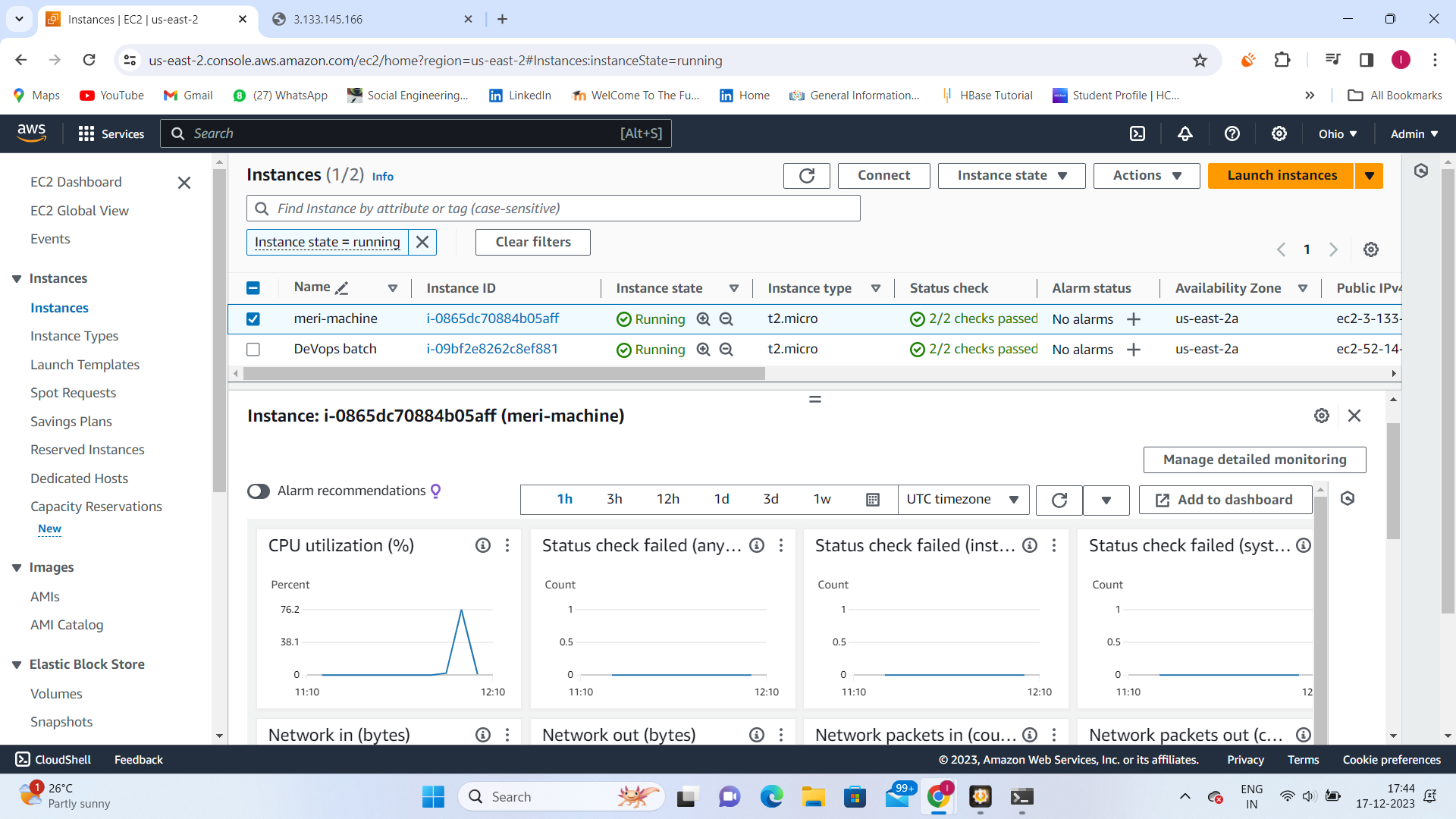
Task 1: Launch EC2 Instances with Apache Web Server
Launch 2 EC2 Instances:
Use Ubuntu AMI.
Utilize User Data to install the nginx Web Server.
Copy Public IP Addresses:
Copy the public IP addresses of both EC2 instances.
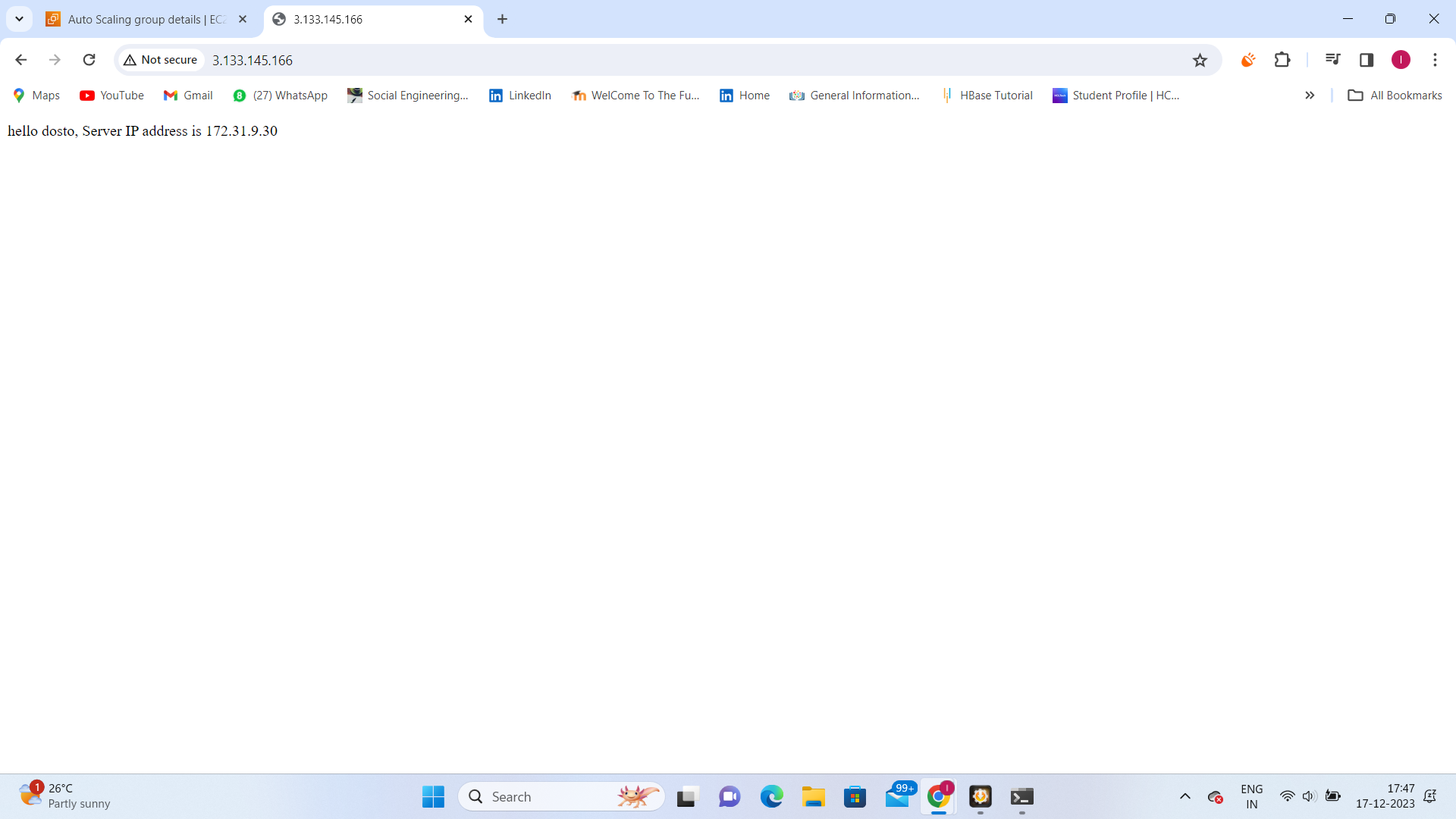
Test nginx Installation:
Open a web browser and paste the public IP addresses into the address bar.
Verify that the webpages display information about your PHP installation.
Task 2: Create Application Load Balancer (ALB)
AWS Management Console:
- Access the AWS Management Console.
Create ALB:
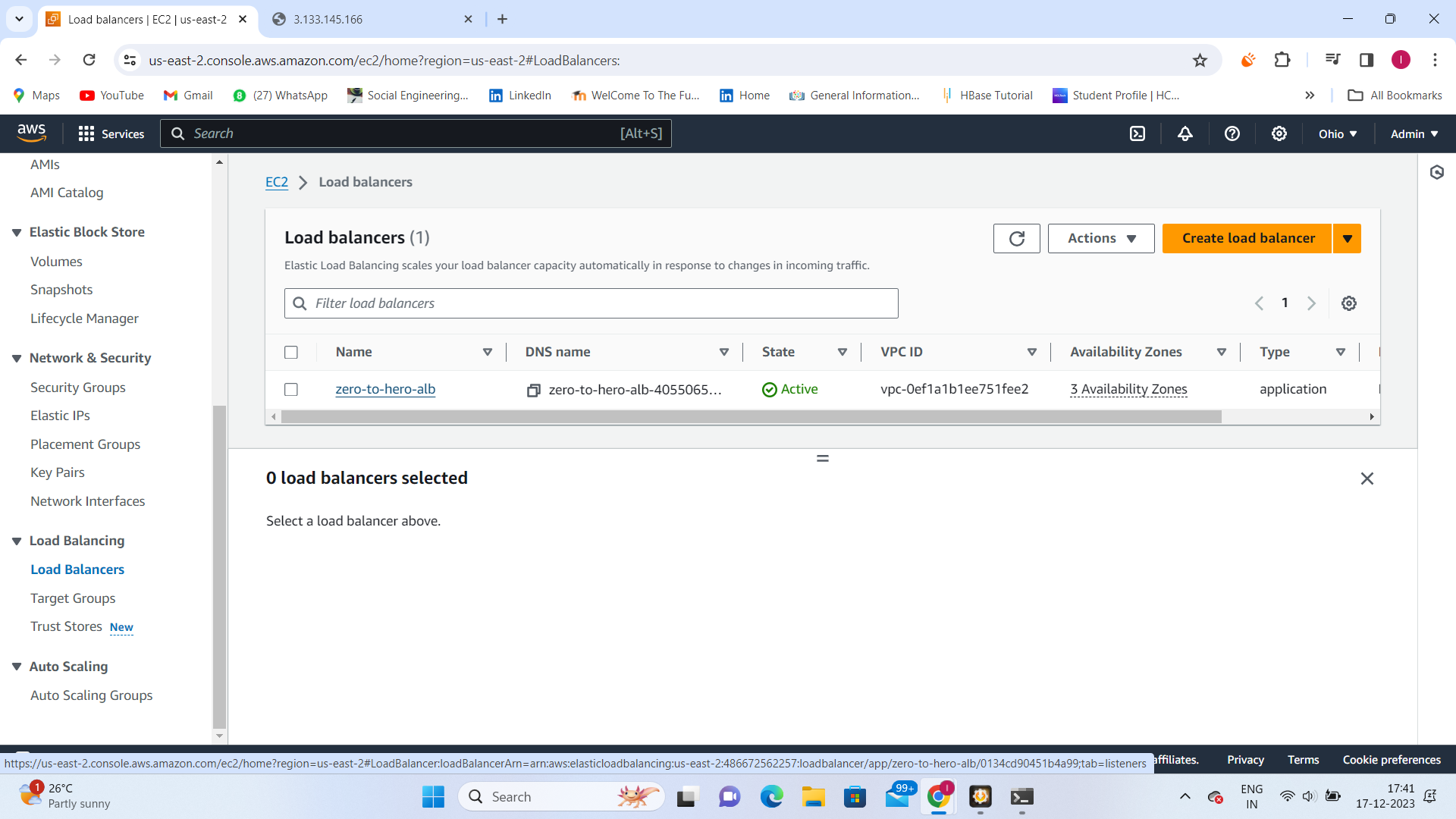
Navigate to EC2 and find "Load Balancers" in the sidebar.
Create an Application Load Balancer.
Configure ALB:
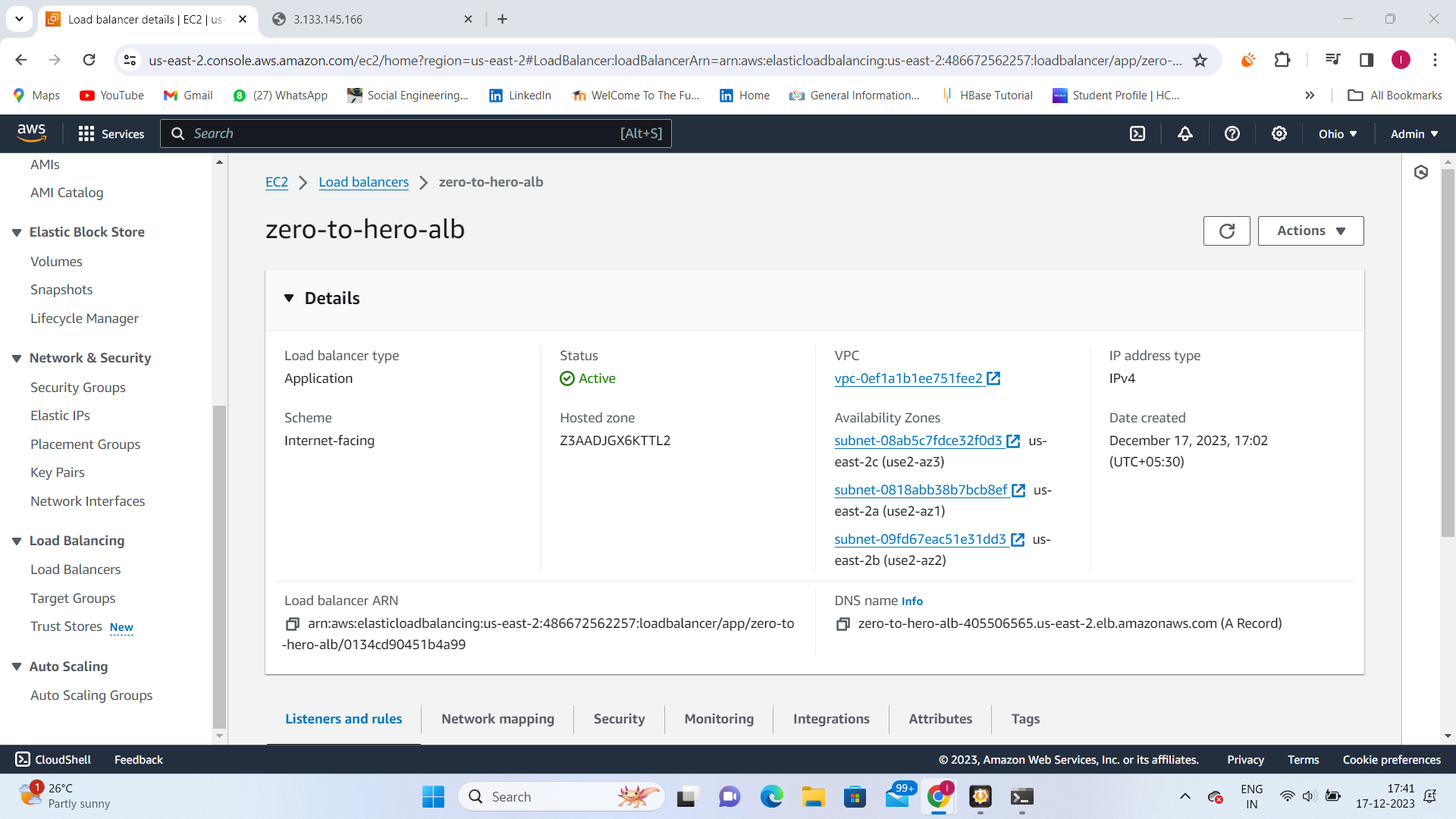
- Configure listener settings, security settings, and target group.
Add EC2 Instances:
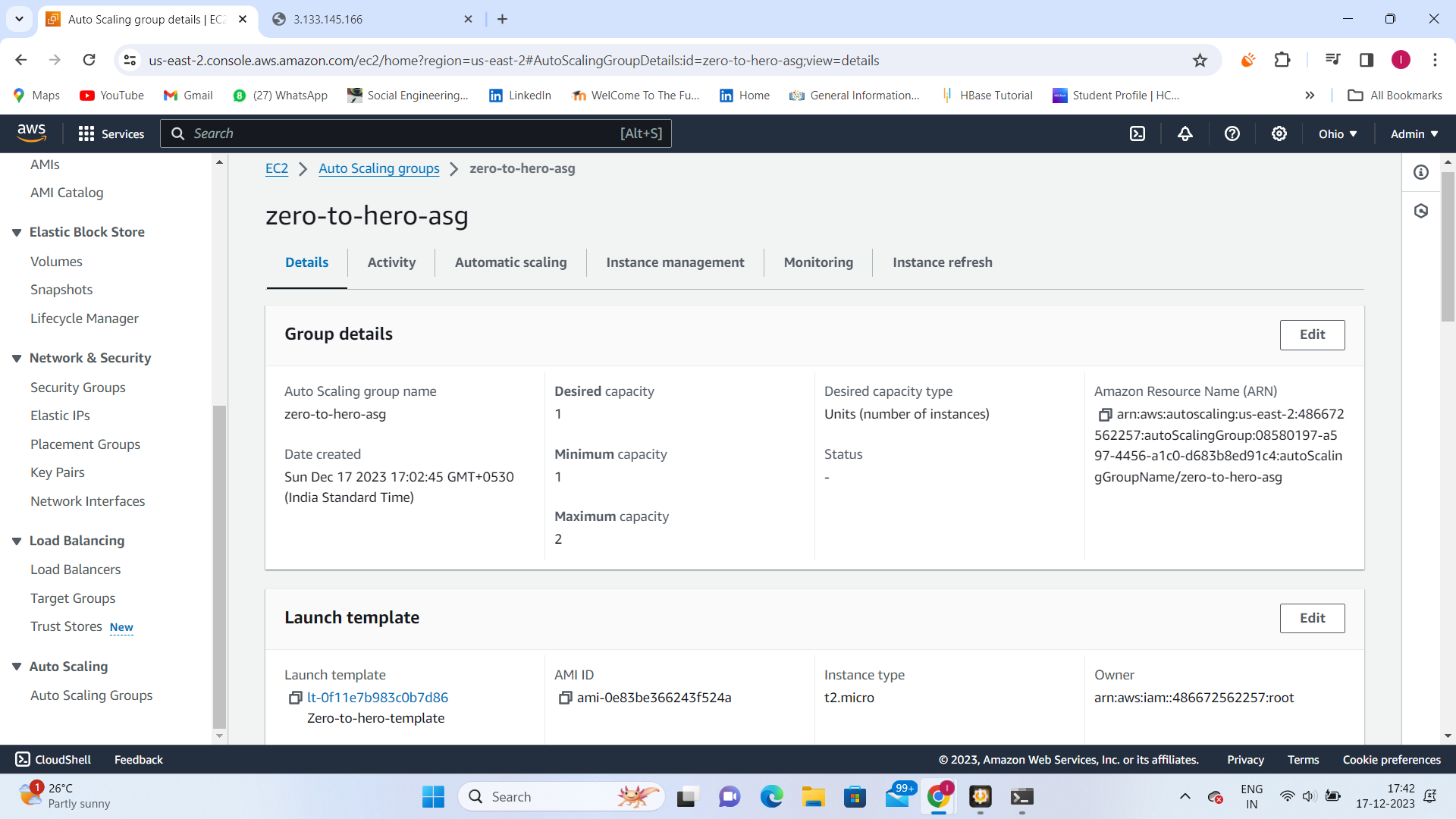
- Add the EC2 instances from Task 1 to the ALB as target groups.
Verify ALB:
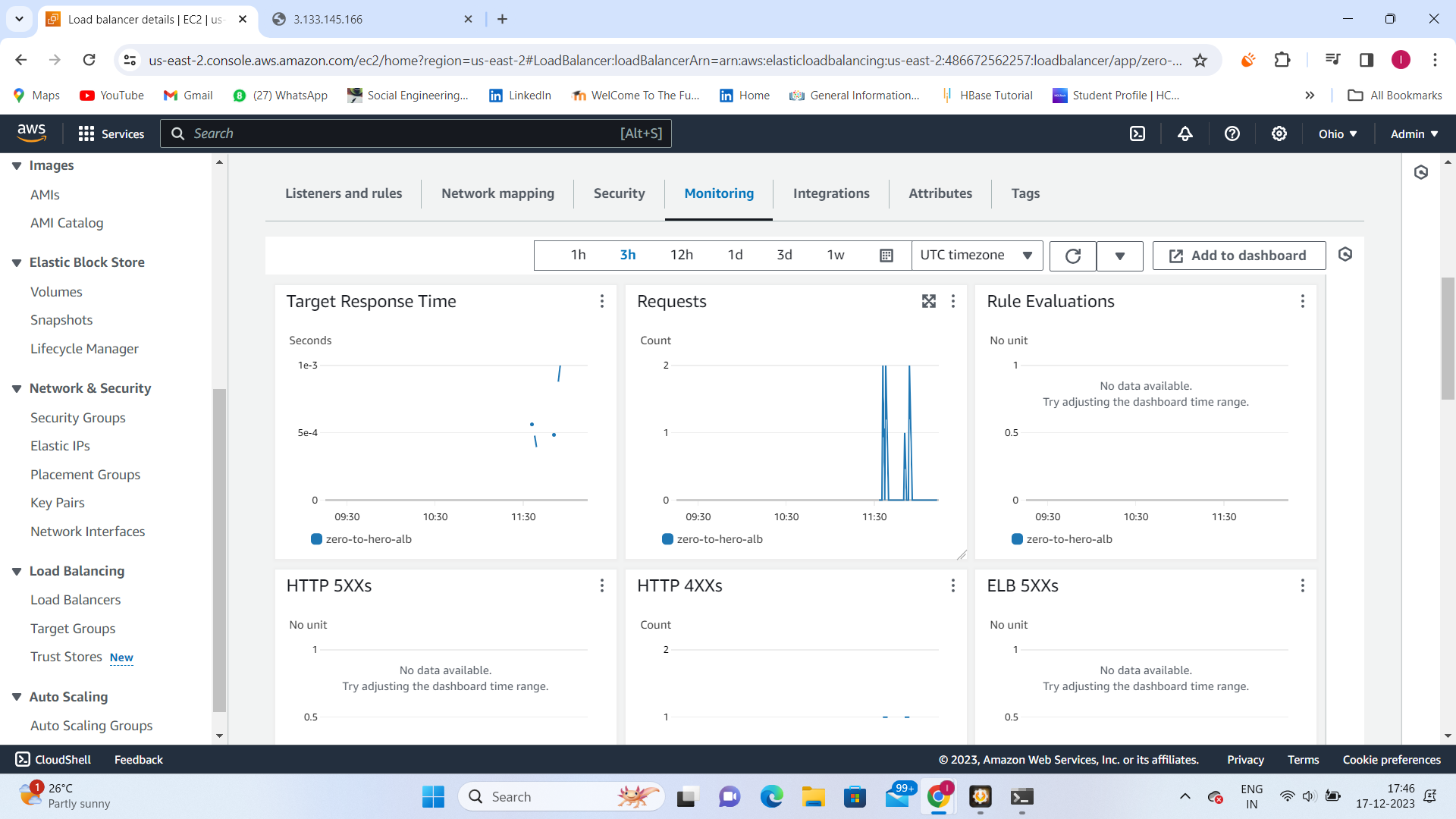
Check health status of target instances.
Test load balancing capabilities by accessing the ALB's DNS name.