Day 39 AWS and IAM Basics
Welcome to Day 39 of your AWS journey! Today, we'll delve into the significance of user data in Amazon EC2 and deepen our understanding of AWS Identity and Access Management (IAM). Let's make the most of the AWS free tier and hands-on learning opportunities.
AWS Overview:
Amazon Web Services continues to be a leading cloud provider, offering a free tier for students and cloud enthusiasts. If you haven't already, create your free account and explore the vast AWS ecosystem to enhance your practical skills.
Read more about AWS here.
User Data in AWS:
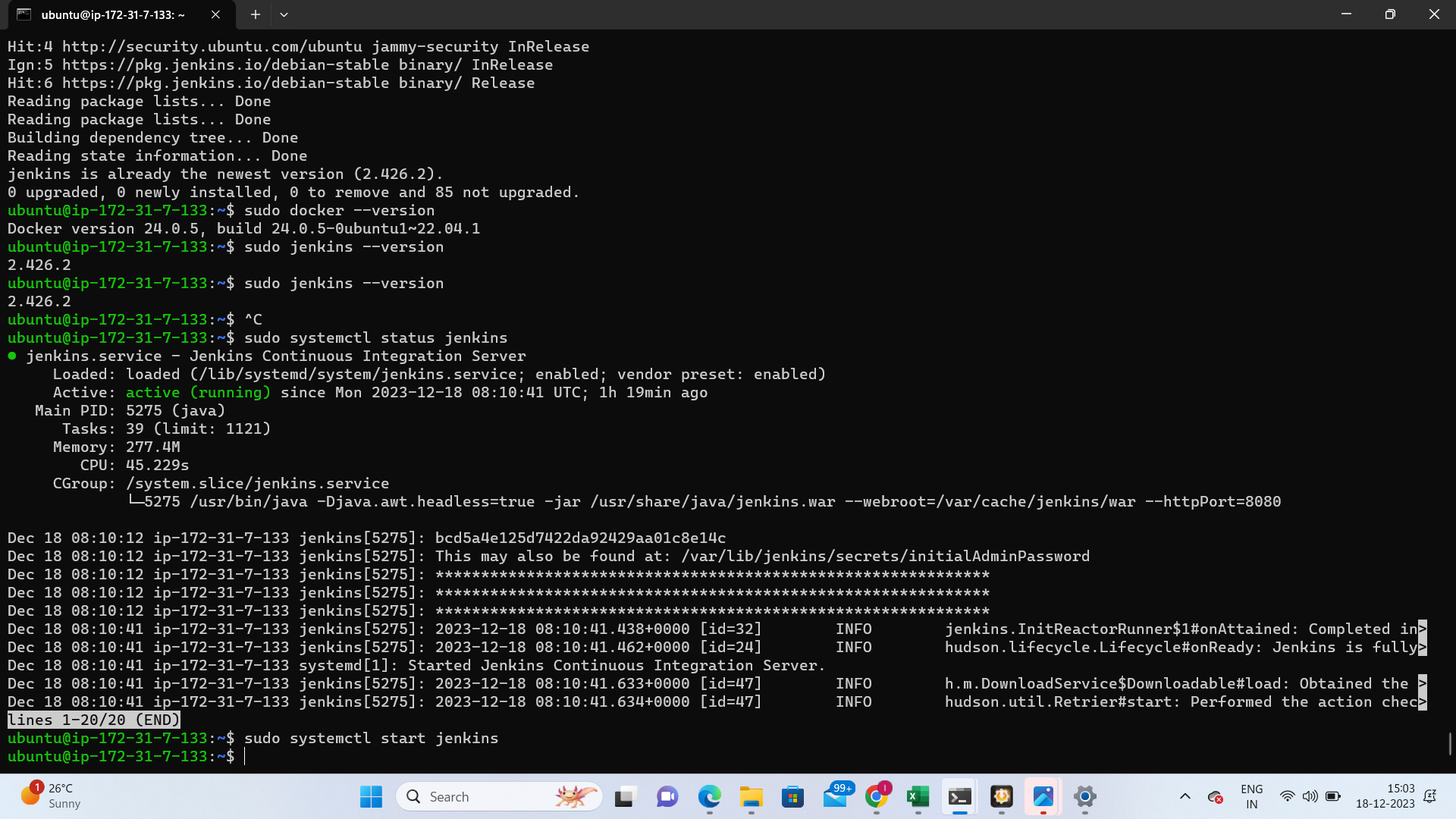
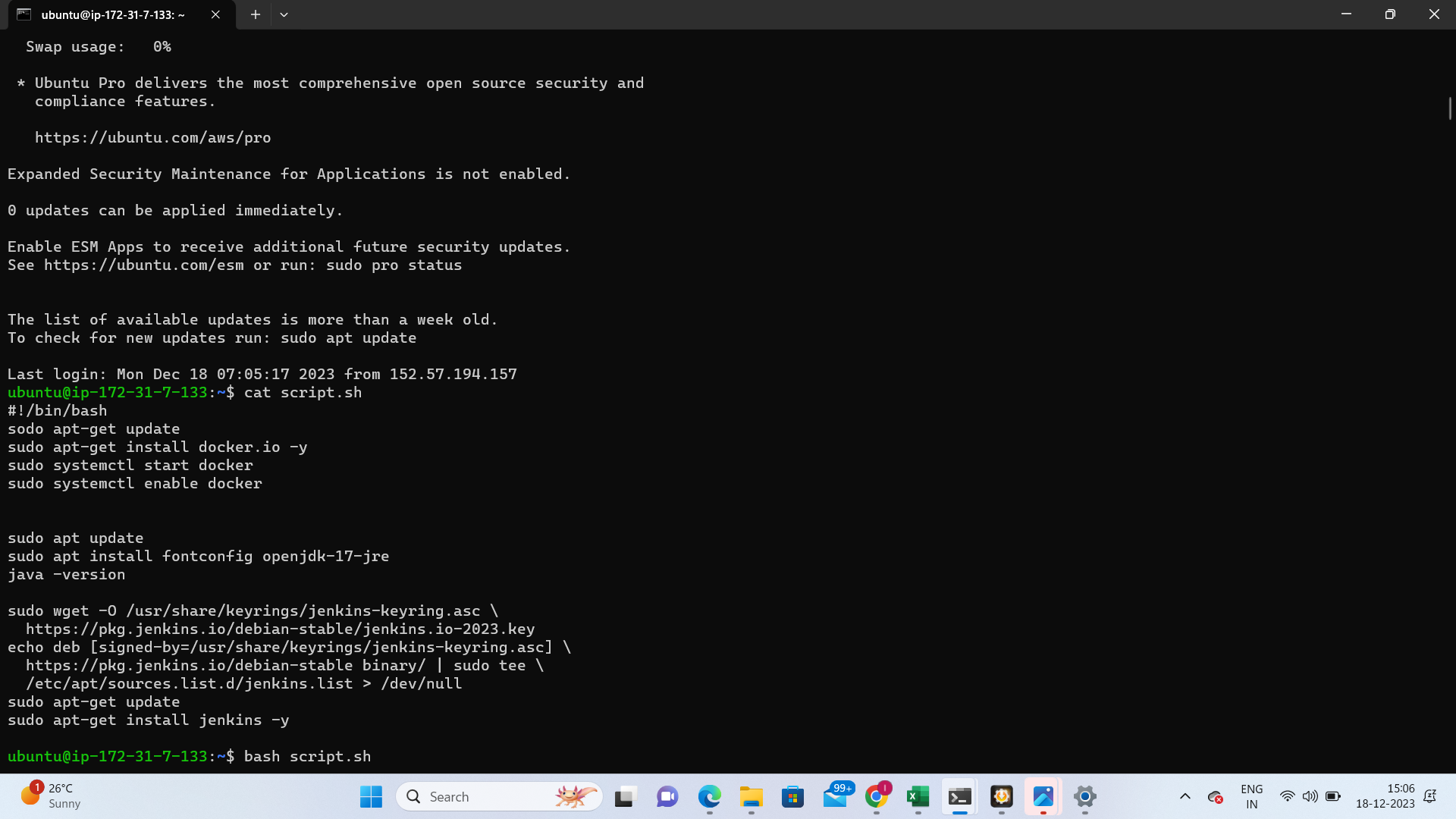
When launching an instance in Amazon EC2, user data becomes a powerful tool for automating configuration tasks and executing scripts post-instance initialization. Whether passing shell scripts or cloud-init directives, user data streamlines the setup process. This feature can be passed as plain text, a file, or base64-encoded text, saving time and manual effort.
Learn more about User Data here.
IAM Overview:
AWS Identity and Access Management (IAM) serves as a crucial web service for securely controlling access to AWS resources. IAM enables centralized management of permissions, determining which AWS resources users can access. Understanding IAM is fundamental to securing your AWS environment.
Get to know IAM more deeply here.
Task 1: EC2 Instance with Jenkins
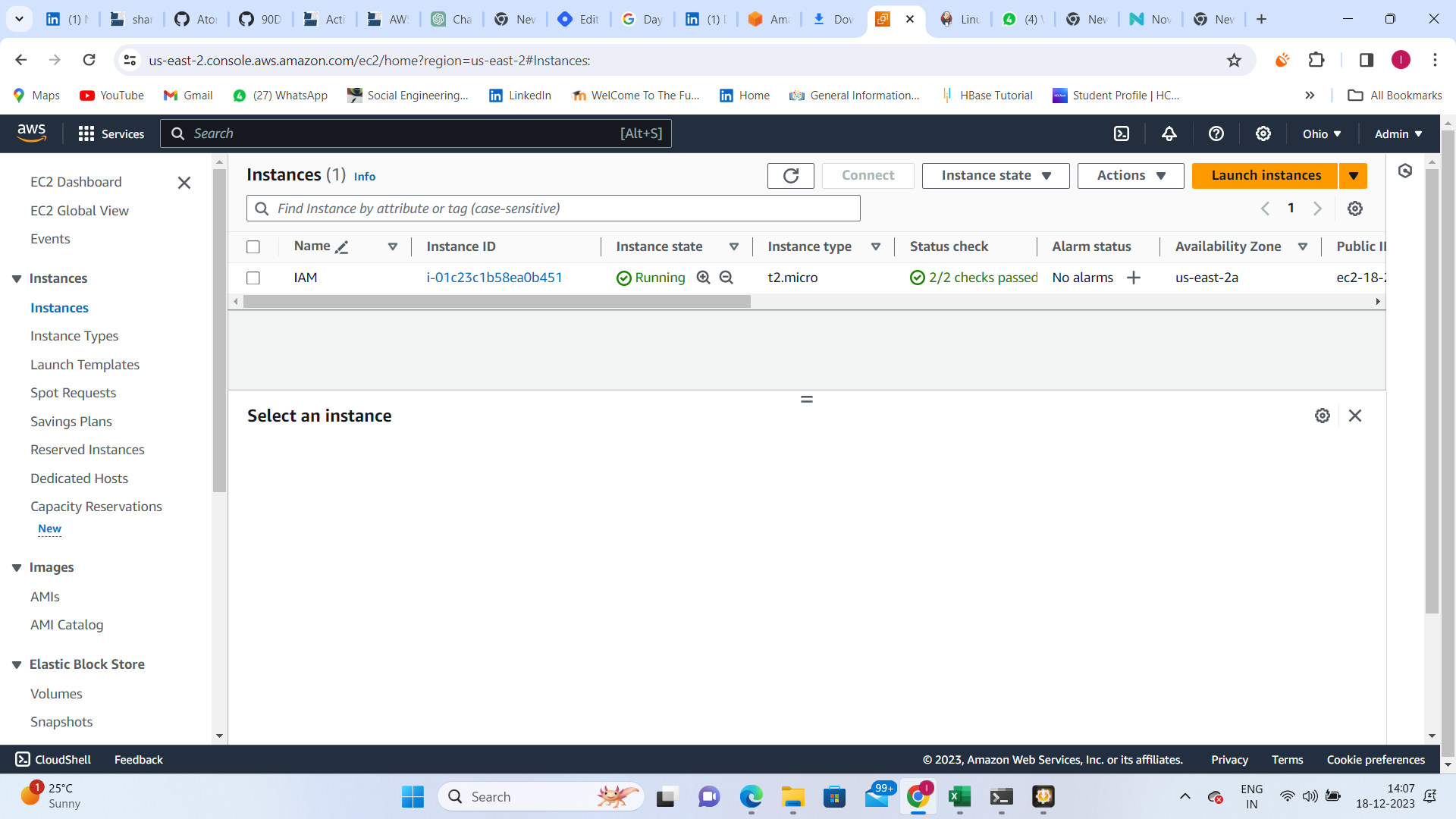
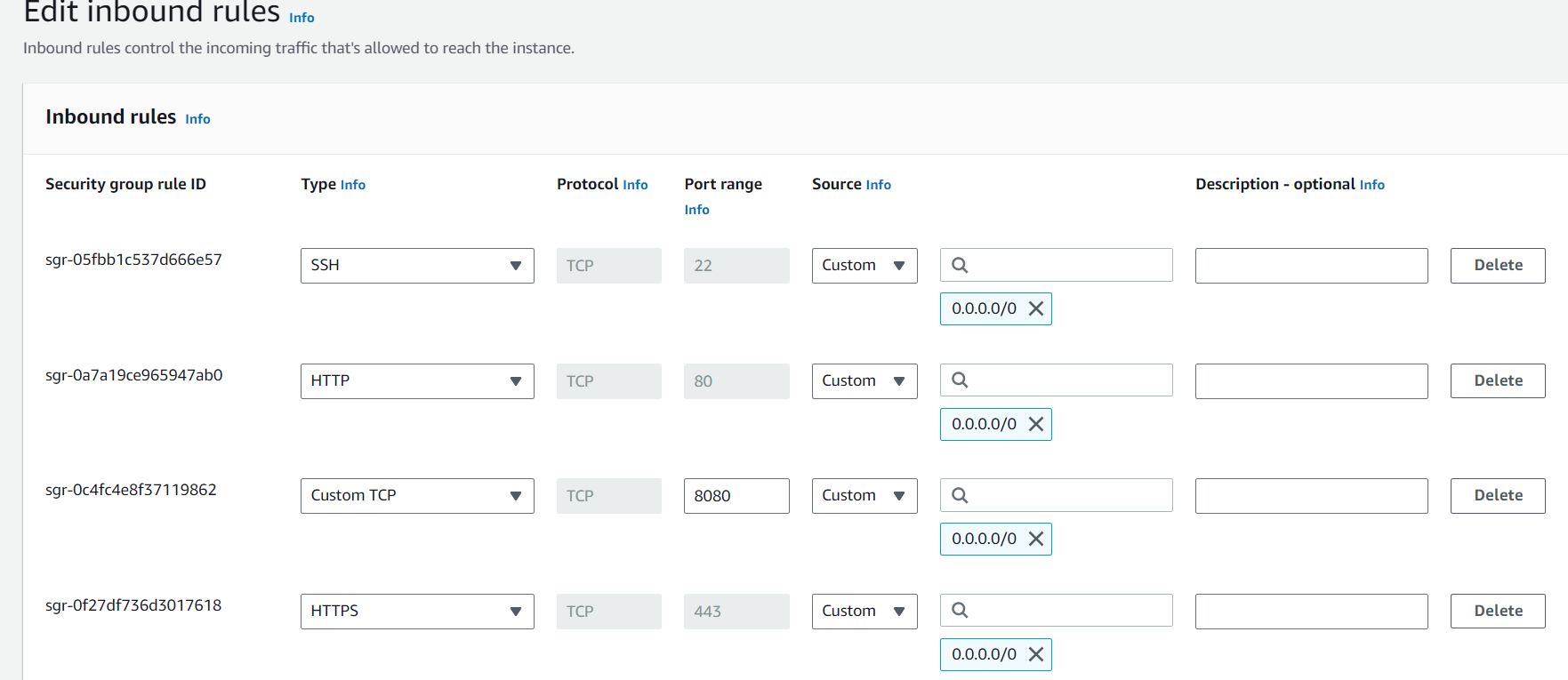
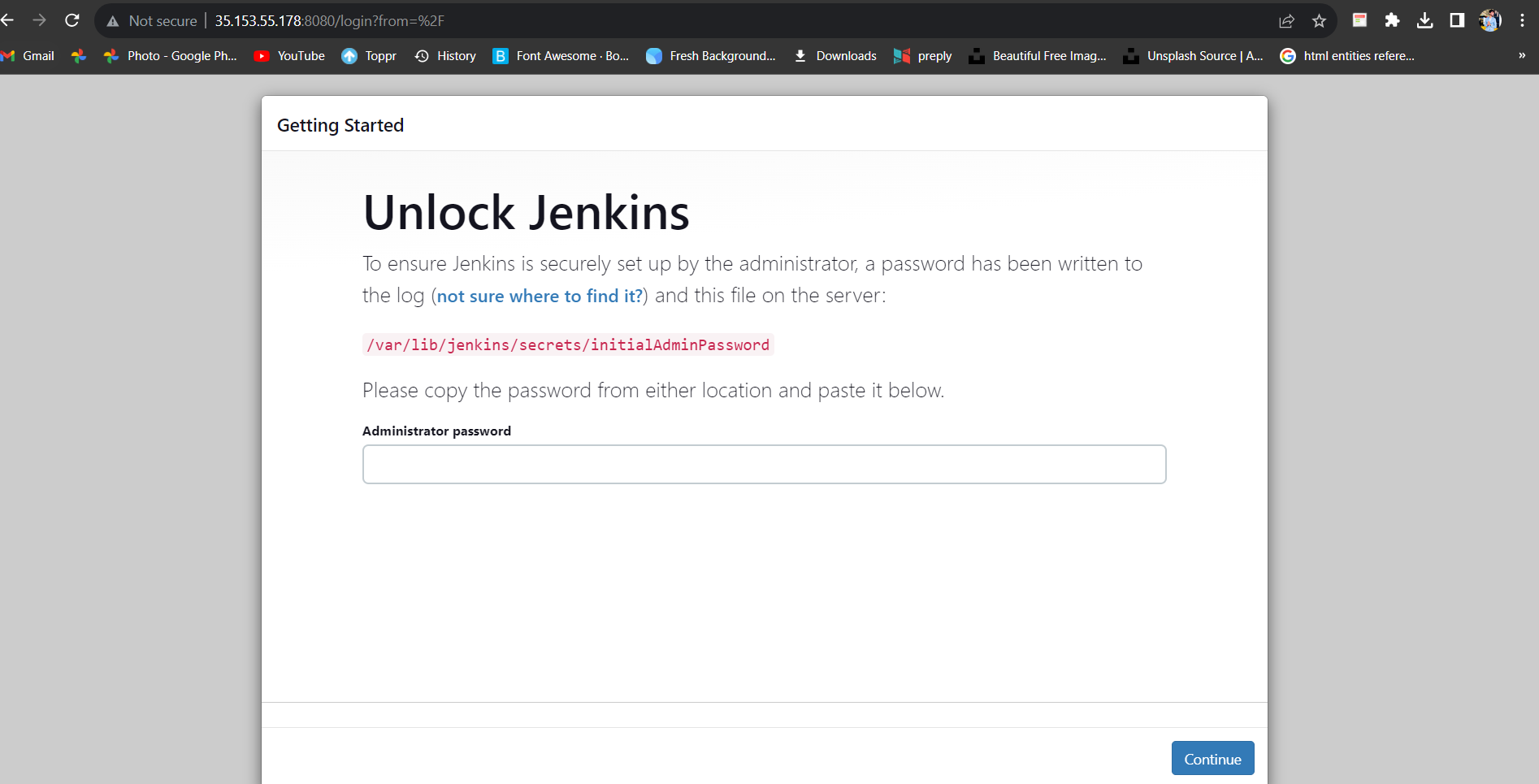
Your first task is to launch an EC2 instance with Jenkins already installed. After the server appears in the console, access the Jenkins page via the IP address. Capture screenshots of the User Data and Jenkins page as verification of task completion.
Steps:
Launch EC2 instance with pre-installed Jenkins.
Access Jenkins page through the instance's IP address.
Capture screenshots of User Data and Jenkins page.
Task 2: IAM Roles Explained
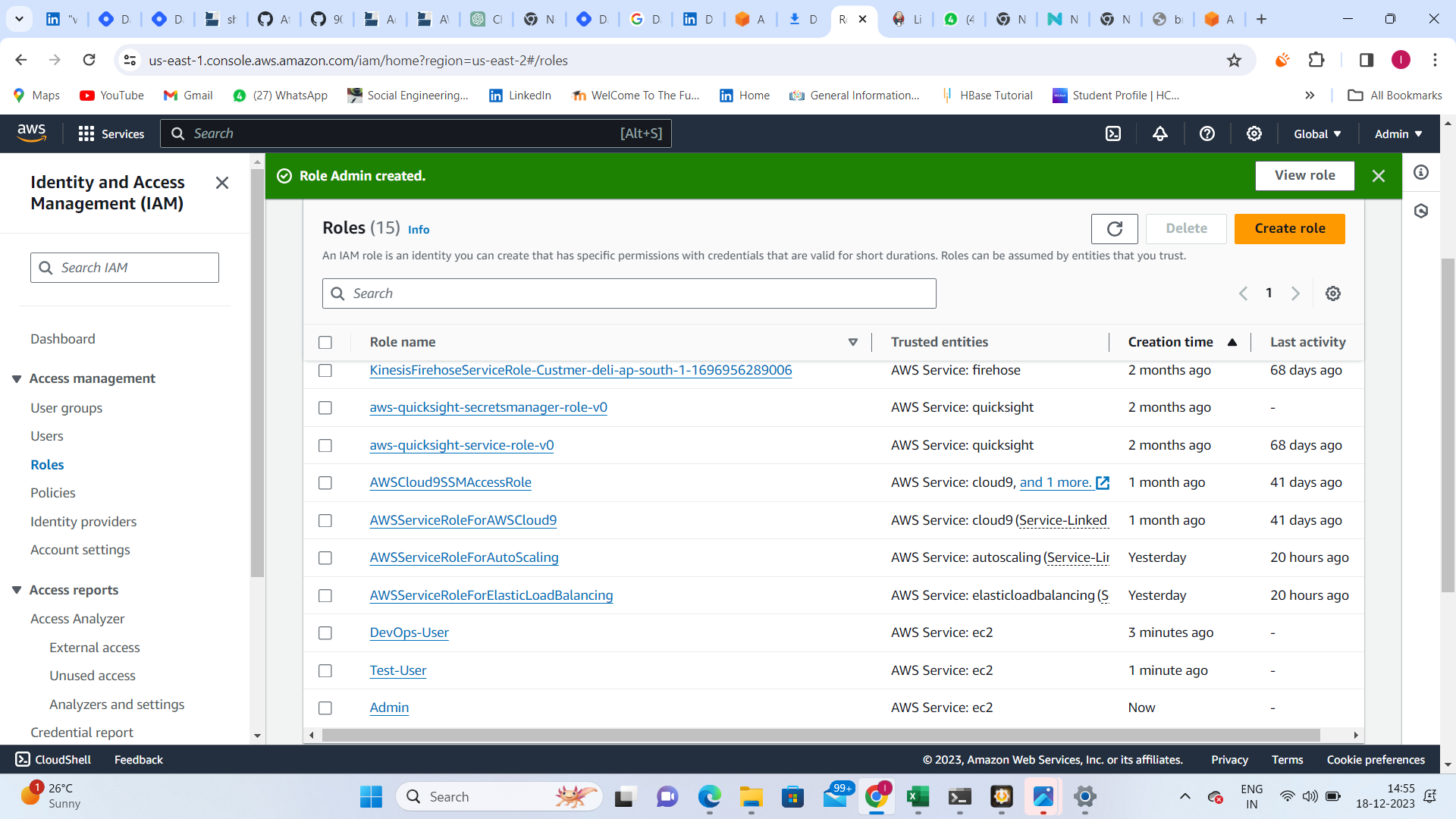
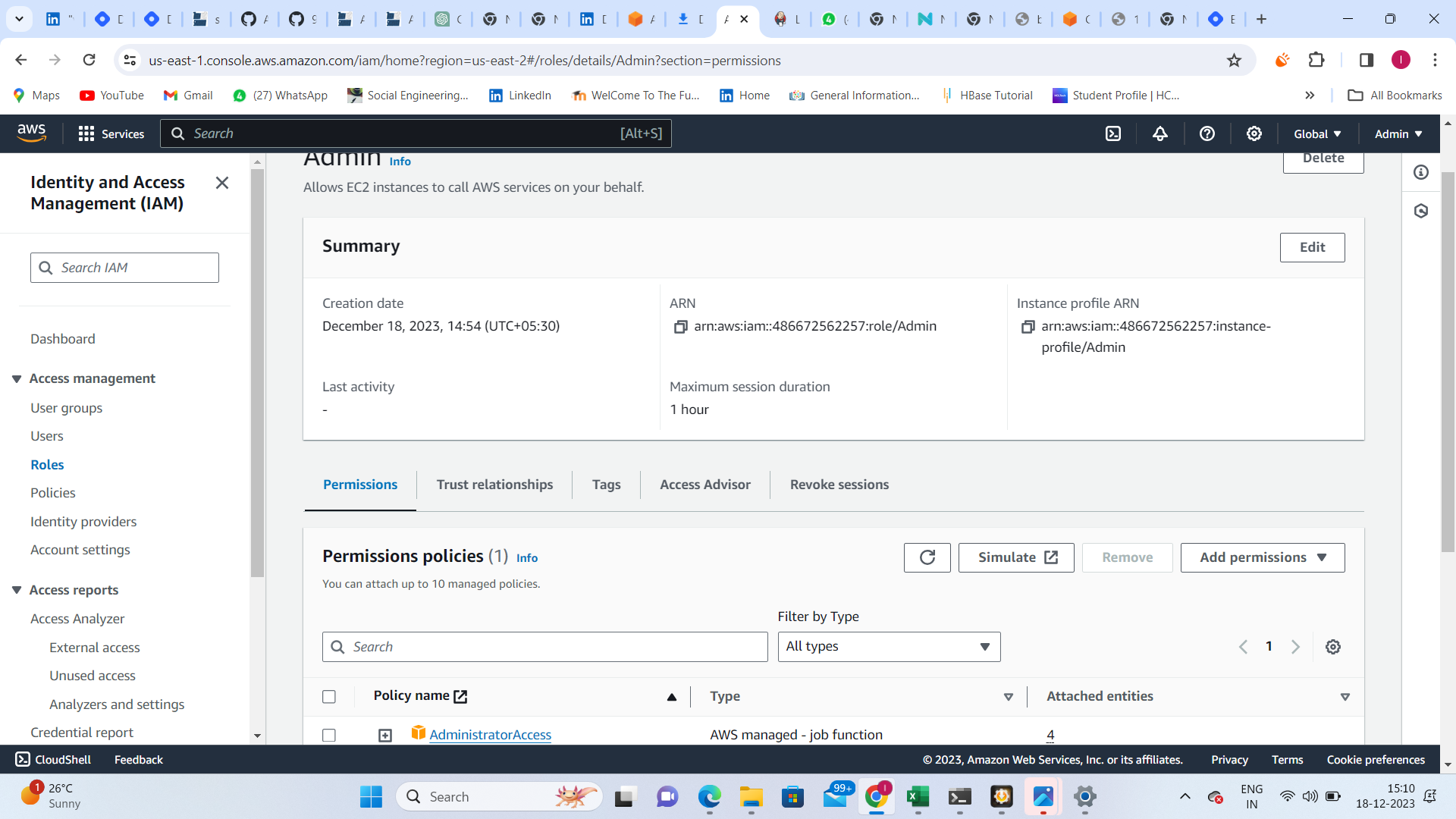
Dive into IAM Roles and explain IAM Users, Groups, and Roles in your own terms. Create three roles named DevOps-User, Test-User, and Admin. Gain a comprehensive understanding of how these roles contribute to access control within AWS.
Topics to Cover:
Definition and role of IAM Users, Groups, and Roles.
Explanation of IAM Roles in the context of access control.
Creation of three roles: DevOps-User, Test-User, and Admin.
Conclusion: Today's tasks bridge theory and practice, reinforcing your AWS knowledge. Stay engaged, capture your progress, and share your insights on your Hashnode blog. This marks another step forward in your AWS exploration within the #90DaysDevOpsChallenge.
Happy Exploring! ☁🚀