Day 38: Getting Started with AWS Basics ☁
Congratulations on reaching this milestone! Today, we are diving into the world of Amazon Web Services (AWS), a leading cloud provider offering a free tier for students and cloud enthusiasts. If you haven't already, create your free account today and let's embark on this cloud journey together.
AWS Overview:
Amazon Web Services provides a variety of cloud services, allowing users to build and manage applications with flexibility and scalability. The AWS Free Tier enables hands-on learning without incurring charges. Explore the vast AWS ecosystem to enhance your skills.
IAM Introduction:
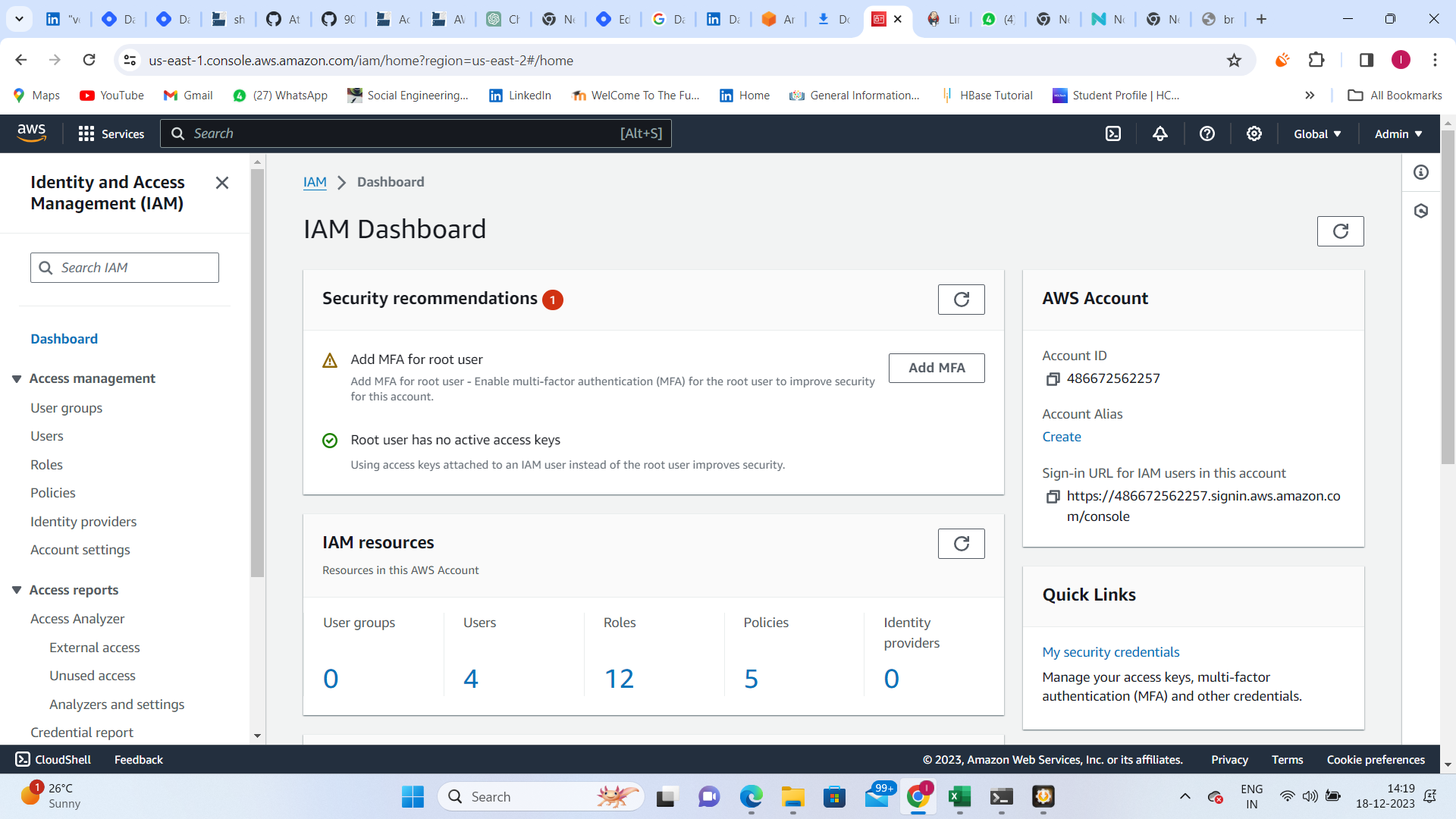
AWS Identity and Access Management (IAM) is a crucial service for securely managing access to AWS resources. IAM allows central control of permissions, determining which resources users can access. Authentication and authorization are handled through IAM, ensuring a secure cloud environment.
Task 1: IAM User and EC2 Access
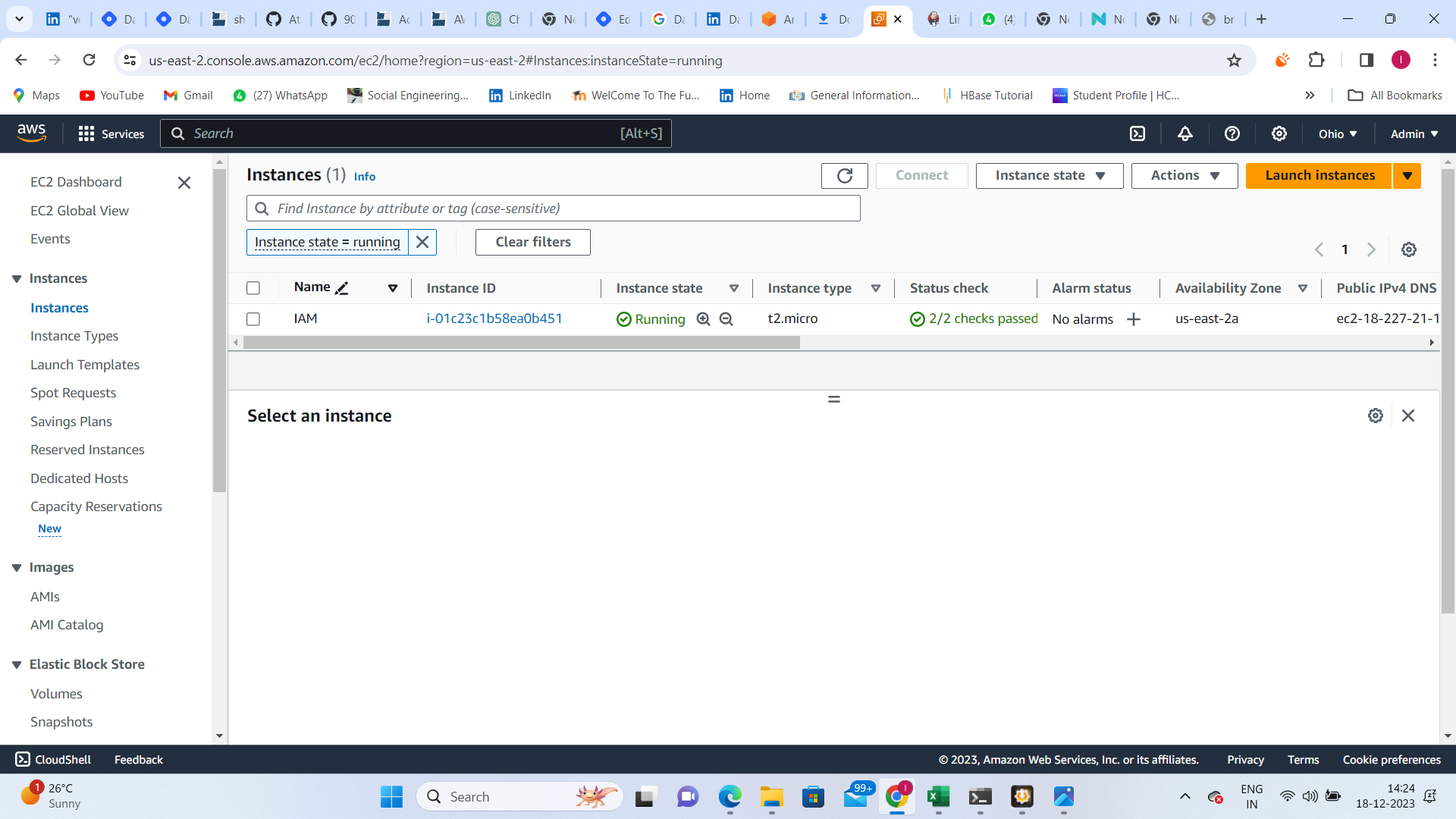
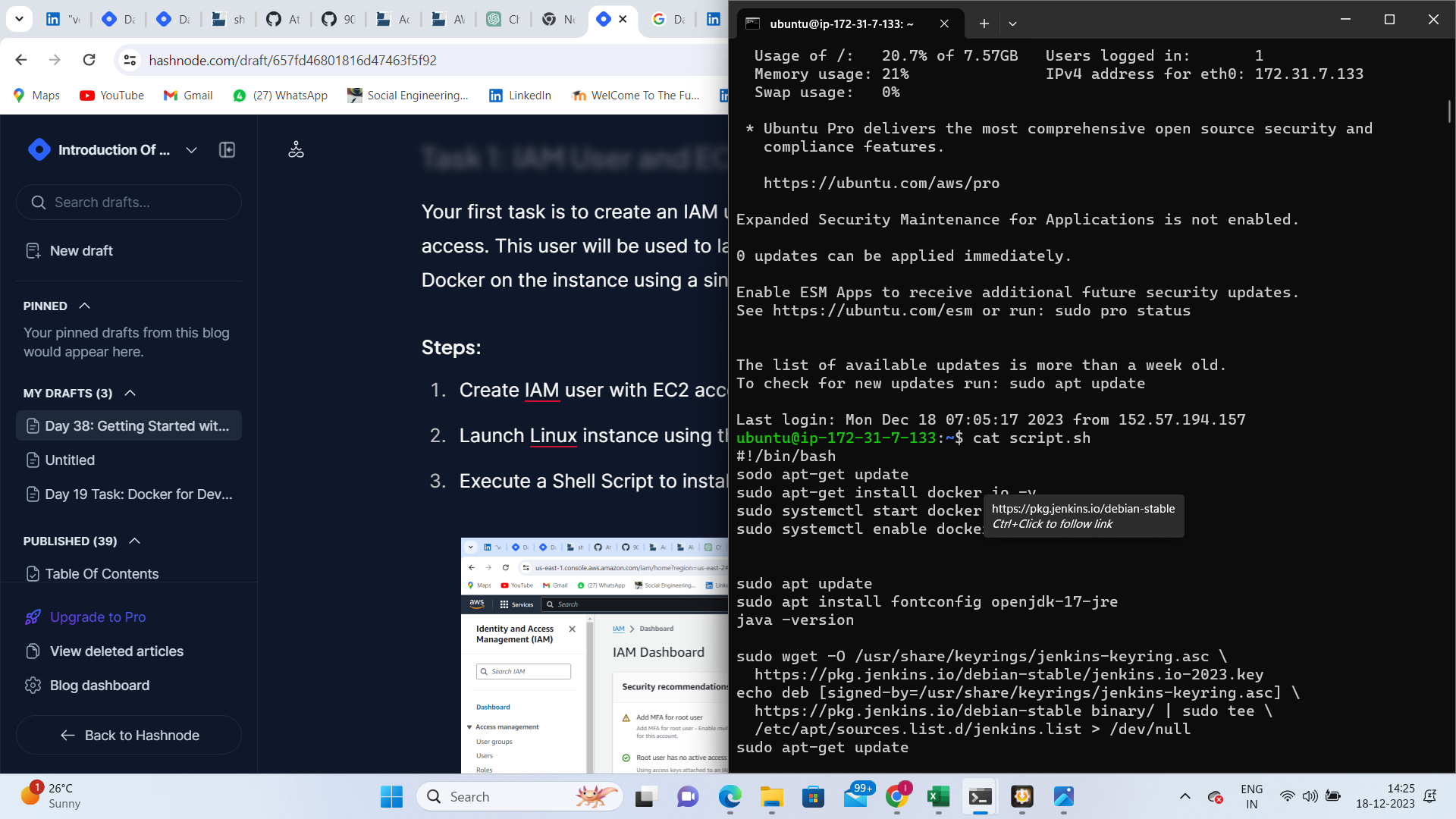
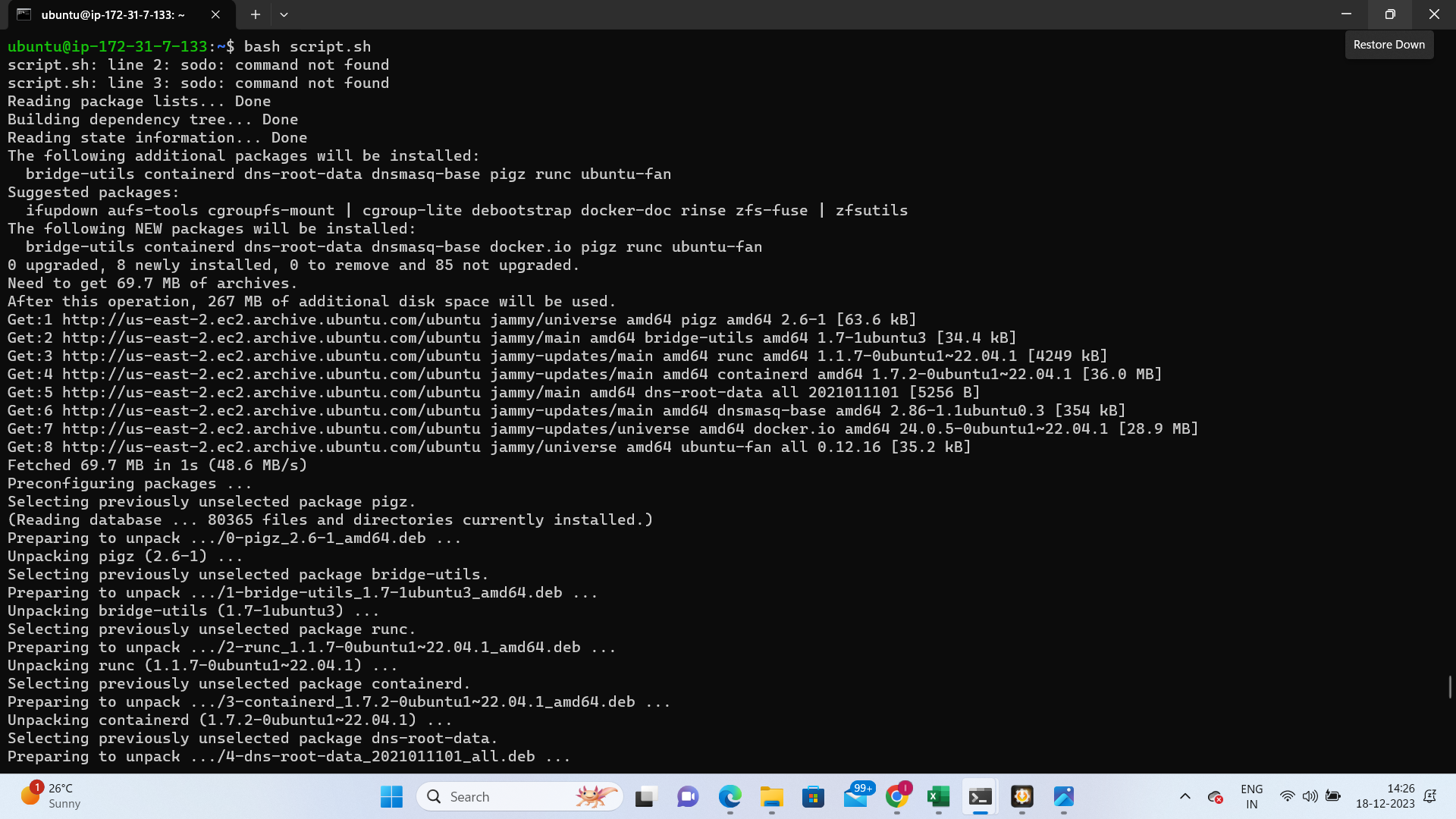
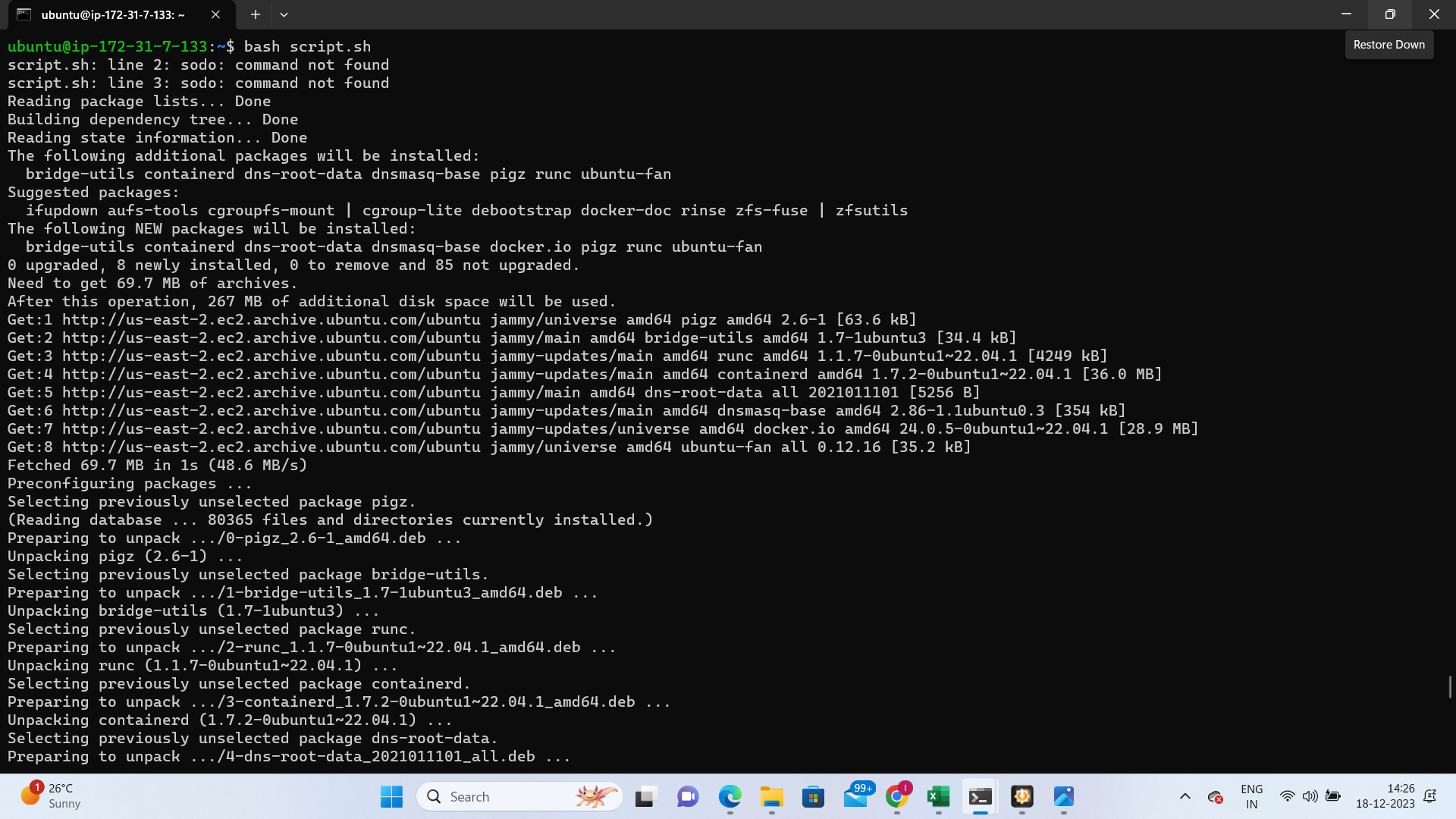
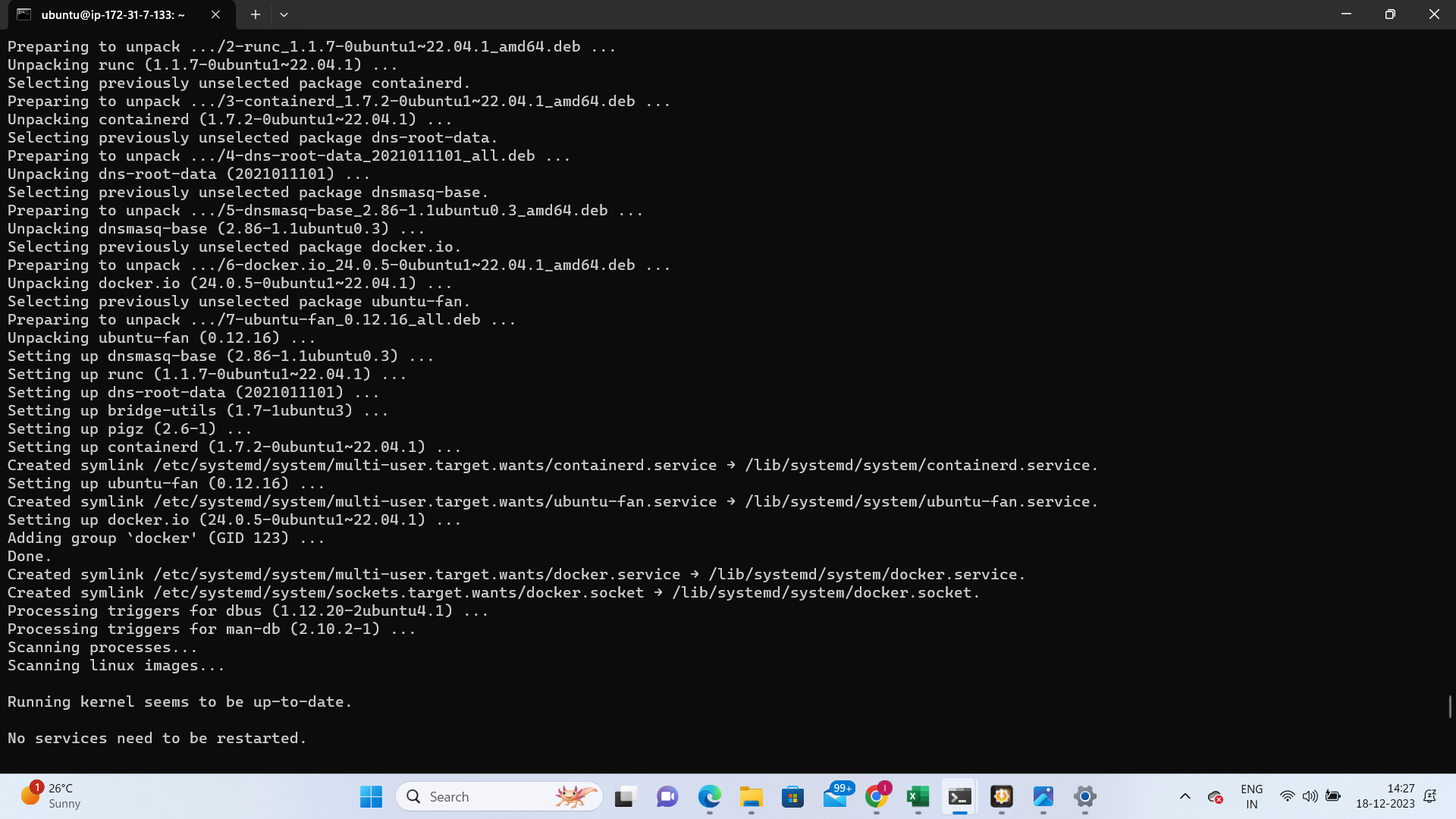
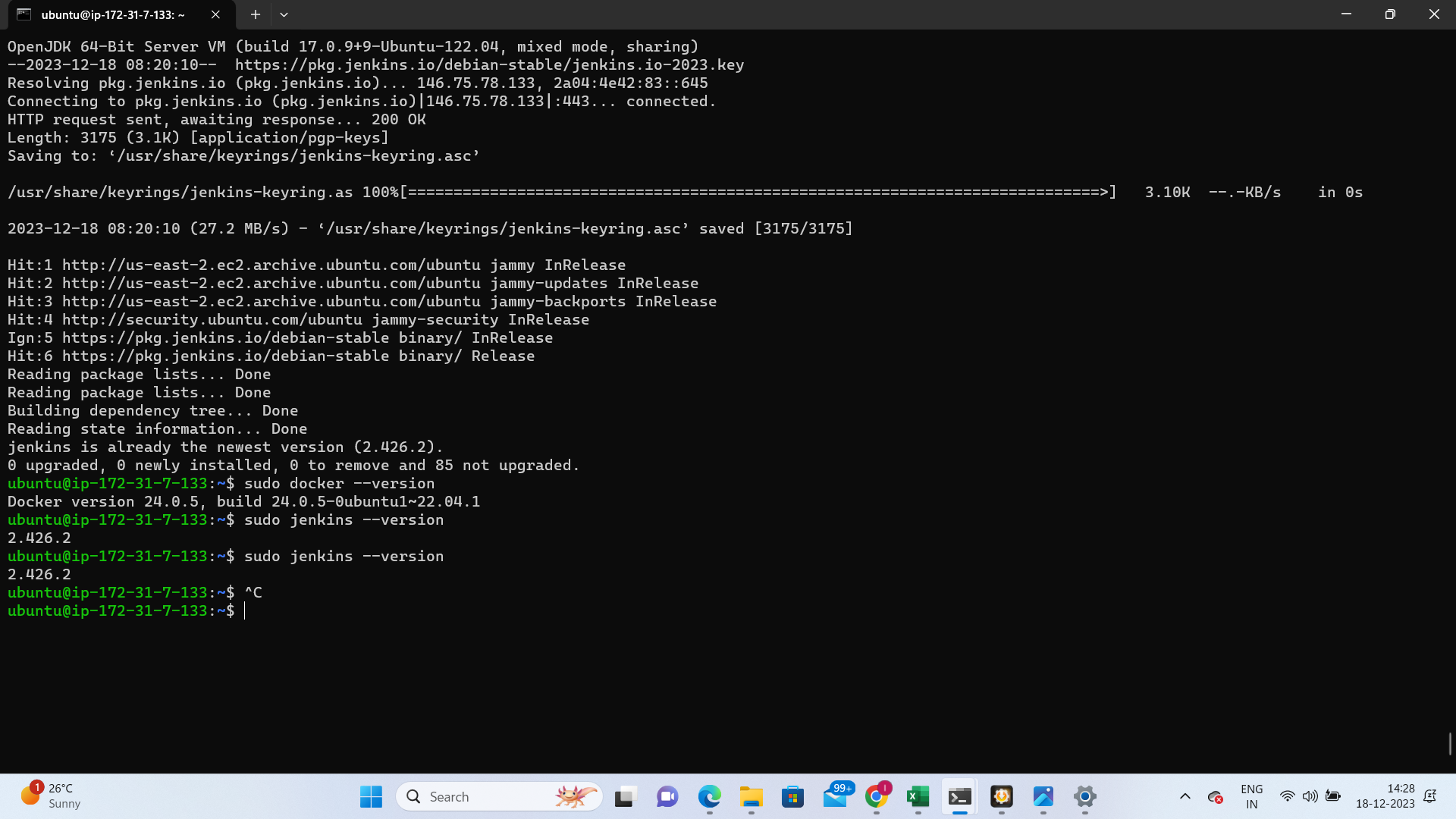
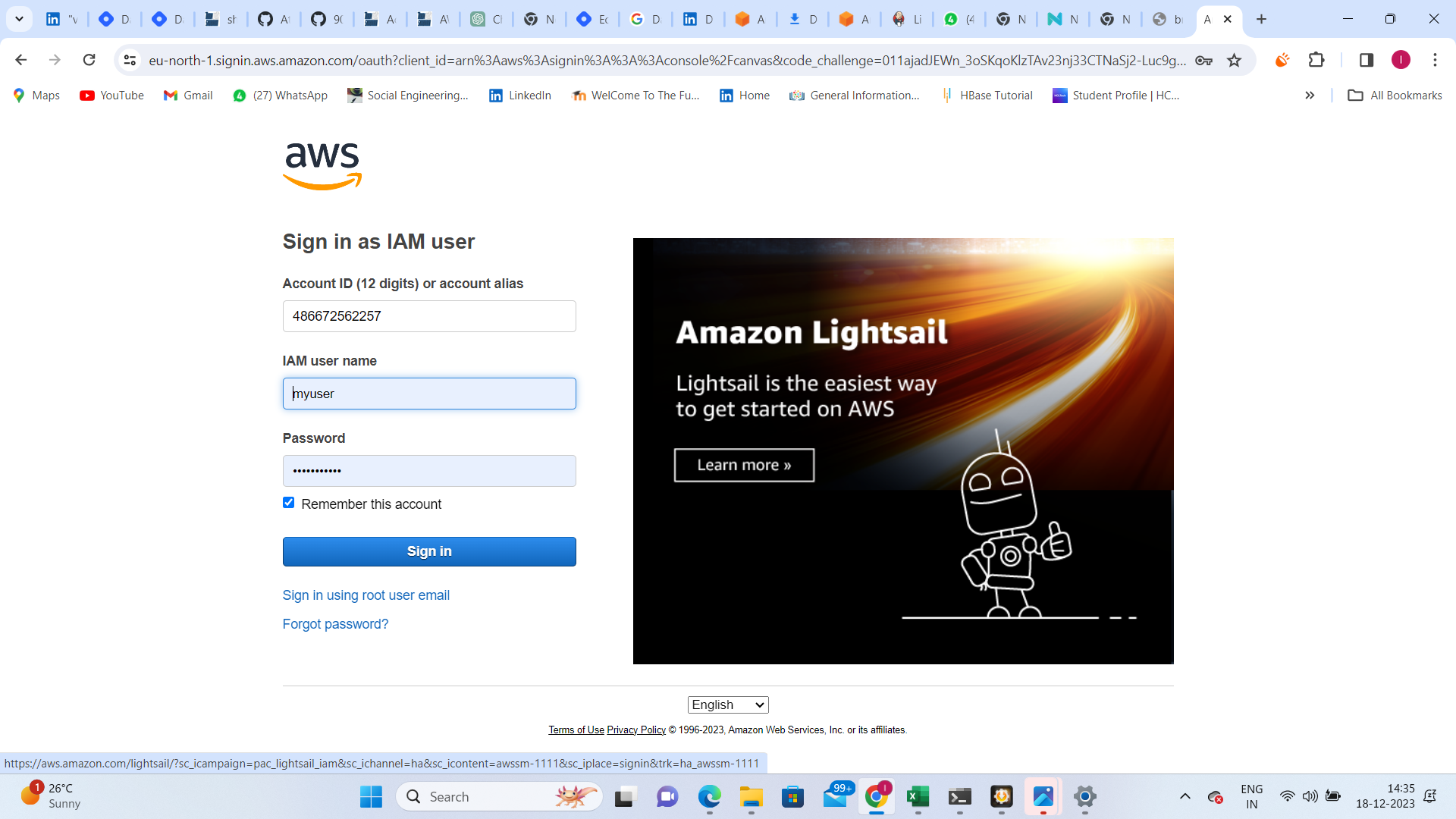
Your first task is to create an IAM user with a username of your choice, granting EC2 access. This user will be used to launch a Linux instance. Further, install Jenkins and Docker on the instance using a single Shell Script.
Steps:
Create IAM user with EC2 access.
Launch Linux instance using the created IAM user.
Execute a Shell Script to install Jenkins and Docker.
Task 2: DevOps Avengers Team
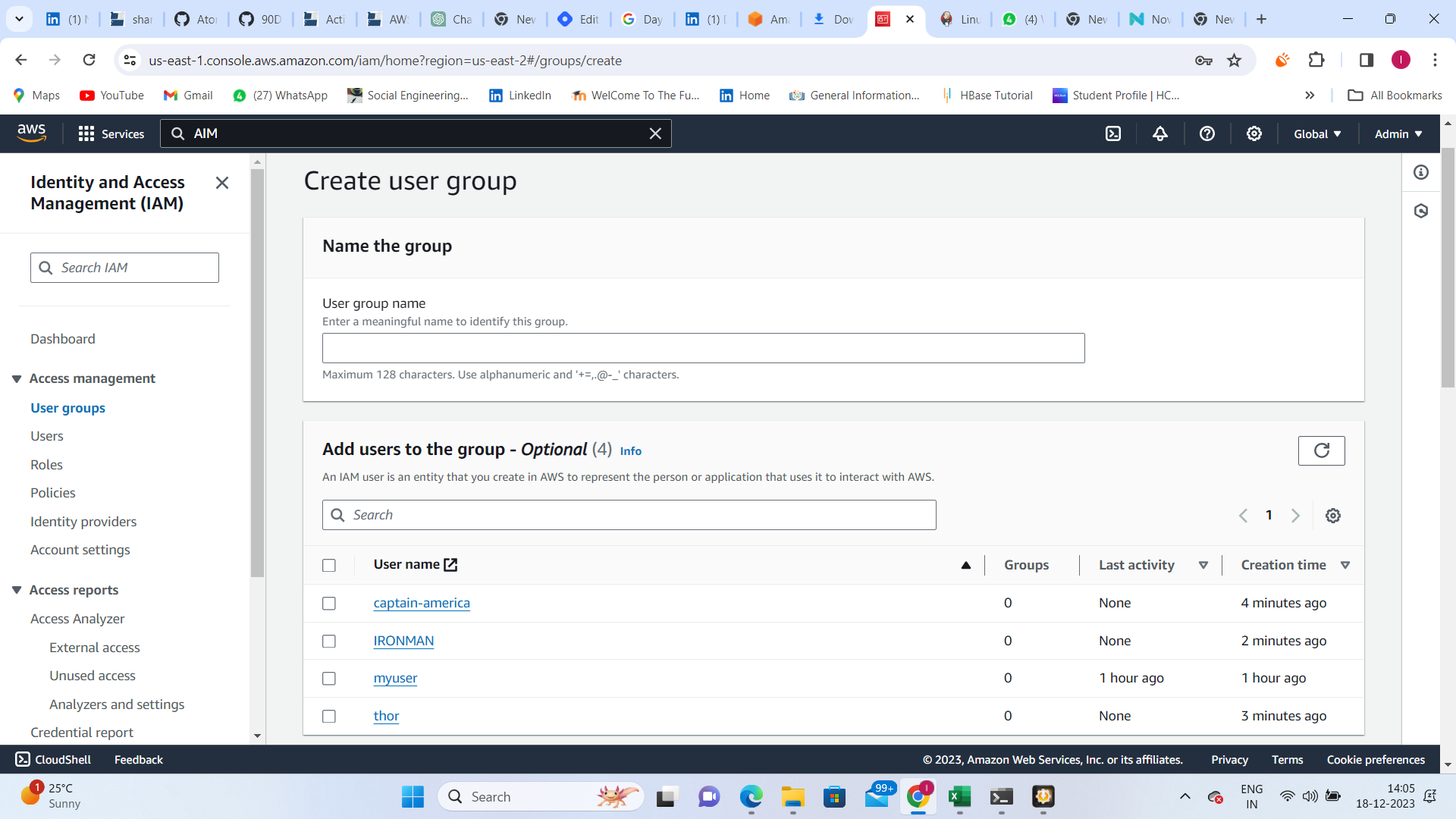
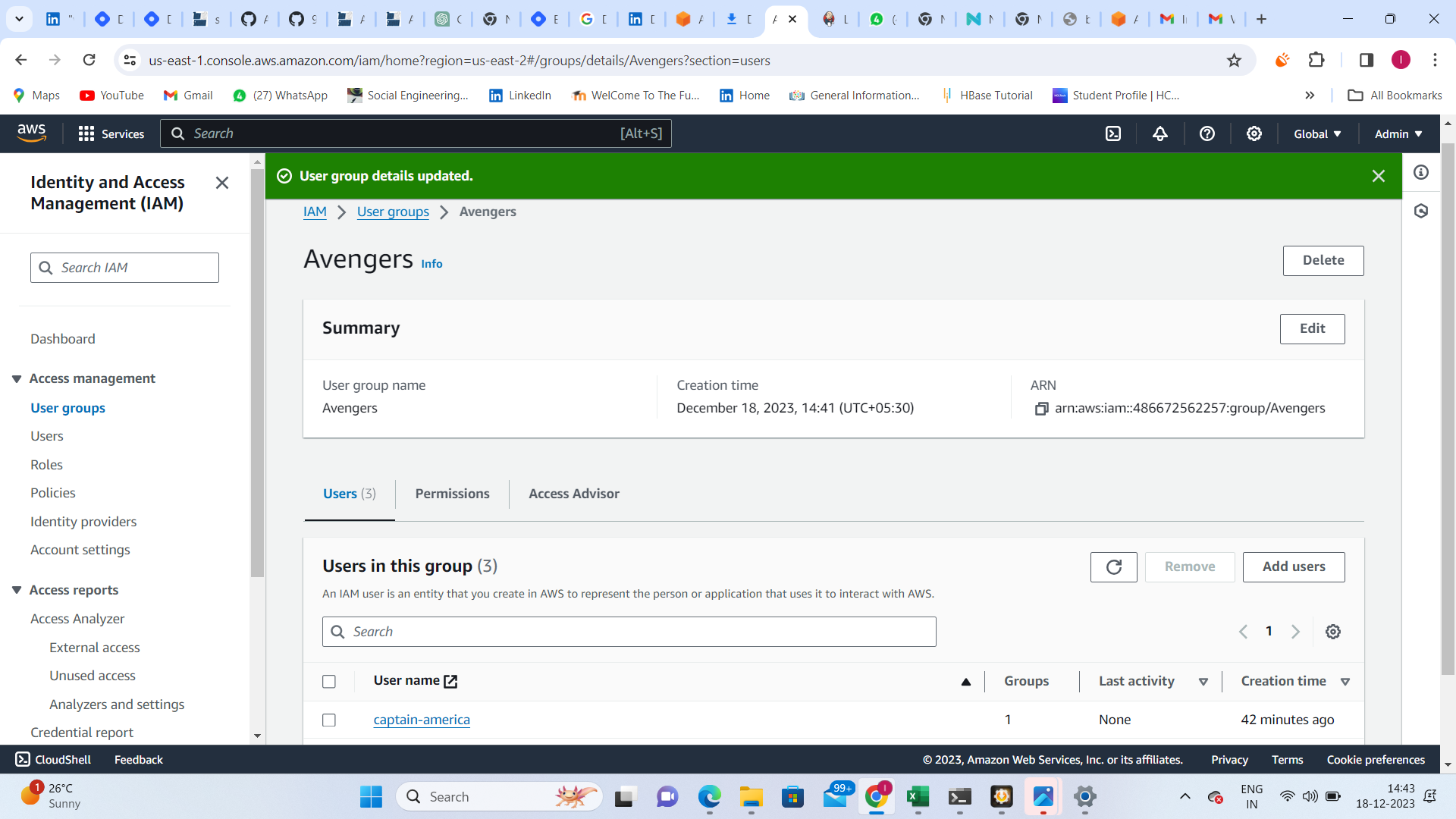
Now, let's assemble a DevOps team of Avengers! Create three IAM users, each representing an Avenger. Assign them to a DevOps group with a custom IAM policy that aligns with DevOps tasks.
Steps:
Create three IAM users: IronMan, Thor, CaptainAmerica.
Form a DevOps group and assign the Avengers to it.
Develop an IAM policy that grants necessary permissions for DevOps tasks.

Conclusion:
Celebrate your progress and stay consistent on this cloud journey. AWS offers endless possibilities, and mastering it will open doors to a world of opportunities. Keep exploring, learning, and building with AWS!
Happy Cloud Computing! ☁🚀