Day 34 Task: Working with Services in Kubernetes
Introduction
Congratulations on mastering Deployments in Kubernetes on Day-33! Today, we'll dive into the world of Kubernetes Services and explore how they provide stable network identities to Pods while abstracting away the complexities of IP addresses.
Task-1: Creating a Service for your todo-app Deployment
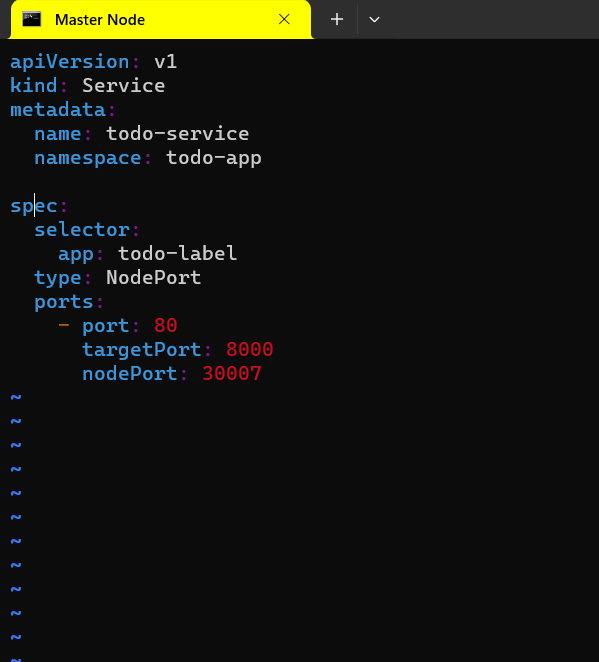
1.1 Service Definition (service.yml)
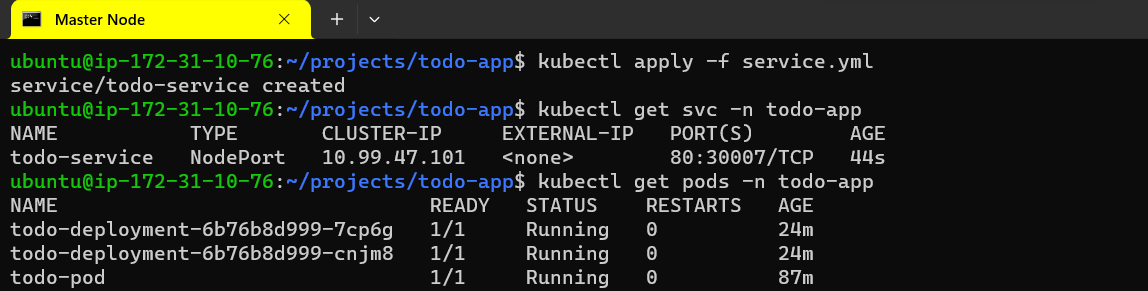
1.2 Applying the Service Definition
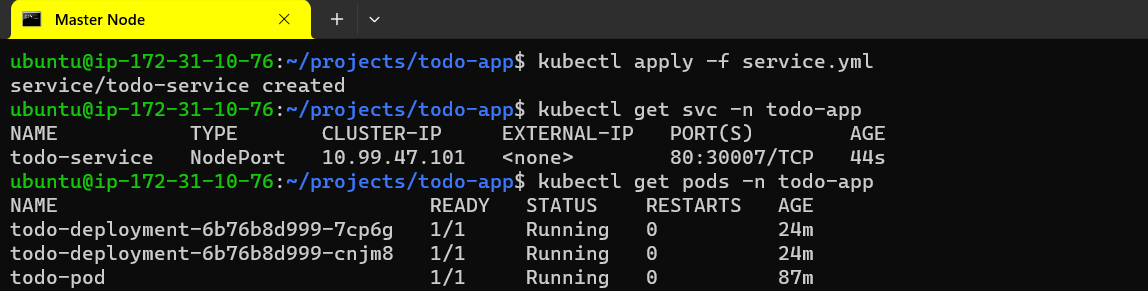
1.3 Verifying Service Functionality
Task-2: Creating a ClusterIP Service
2.1 ClusterIP Service Definition (cluster-ip-service.yml)
2.2 Applying the ClusterIP Service Definition
bashCopy codekubectl apply -f cluster-ip-service.yml -n <namespace-name>
2.3 Verifying ClusterIP Service Functionality
bashCopy codekubectl run -it --rm --image=alpine test-pod -- sh
curl todo-app-clusterip-service.<namespace-name>.svc.cluster.local:80
Task-3: Creating a LoadBalancer Service
3.1 LoadBalancer Service Definition (load-balancer-service.yml)
apiVersion: v1
kind: Service
metadata:
  name: todo-app-loadbalancer-service
spec:
  selector:
    app: todo-app
  ports:
    - protocol: TCP
      port: 80
      targetPort: 8080
  type: LoadBalancer
3.2 Applying the LoadBalancer Service Definition
bashCopy codekubectl apply -f load-balancer-service.yml -n <namespace-name>
3.3 Verifying LoadBalancer Service Functionality
kubectl get svc -n <namespace-name>  # Note down the EXTERNAL-IP
curl <EXTERNAL-IP>:80
Conclusion
In this tutorial, we explored the creation of Kubernetes Services for your todo-app Deployment, including ClusterIP and LoadBalancer types. By following these steps, you've successfully abstracted away the details of Pod IP addresses and created stable network identities for your application.