Day 24 Task: Complete Jenkins CI/CD Project
Setting Up Jenkins CI/CD for Django Todo App with Docker Compose
Introduction
In this tutorial, we'll explore how to create a robust Continuous Integration and Continuous Deployment (CI/CD) pipeline for a Django Todo App using Jenkins and Docker Compose. By the end of this guide, you'll have a fully automated workflow that builds, tests, and deploys your Django application whenever changes are pushed to your GitHub repository.
Prerequisites
Basic understanding of Django and Docker.
Jenkins installed and running.
Docker and Docker Compose installed on your Jenkins server.
Task-01: GitHub Integration
Step 1: Fork the Repository
Start by forking the Django Todo App repository to your GitHub account.
Step 2: Create Jenkins Job
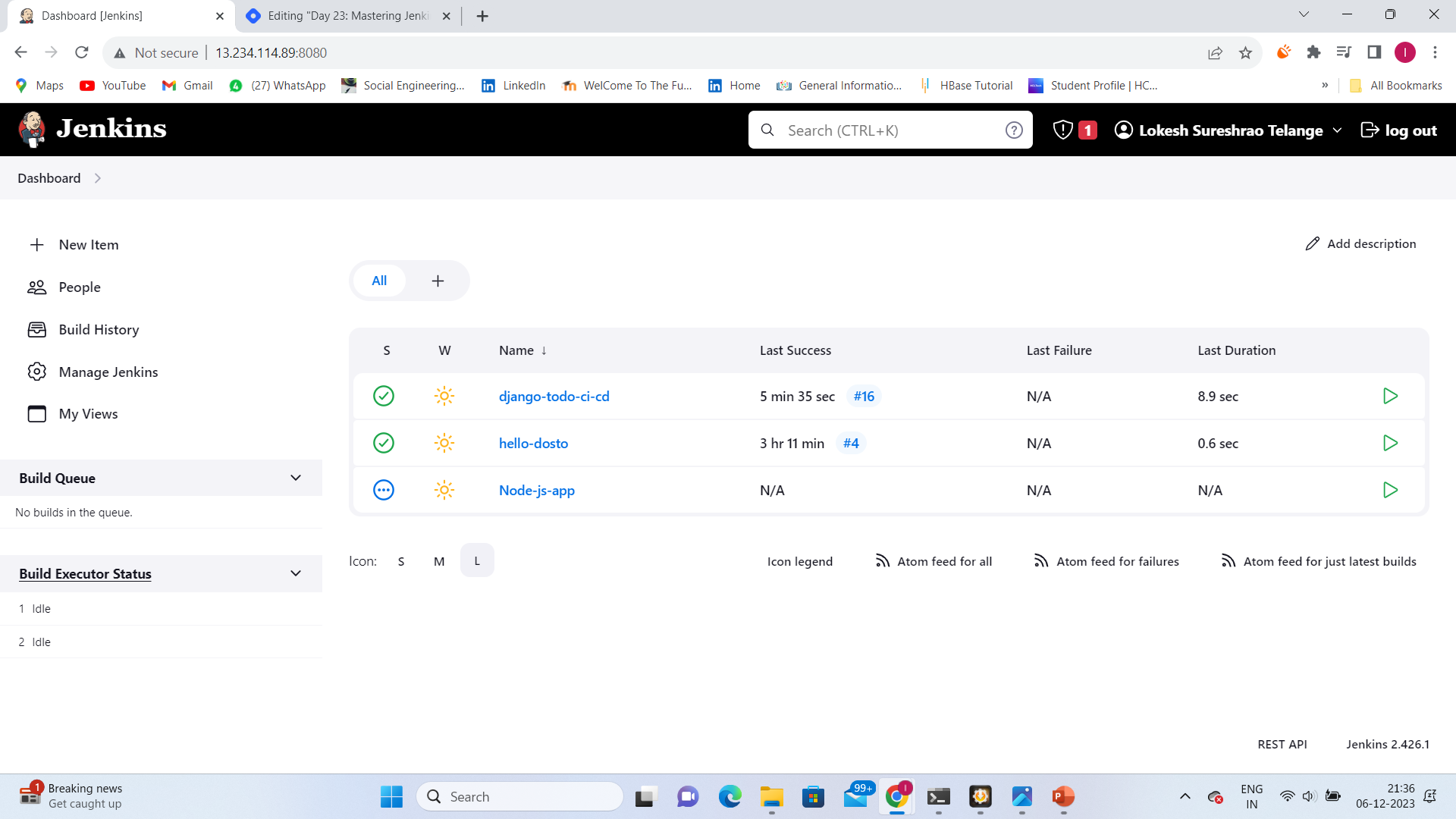
Open Jenkins and create a new job.
Choose "Freestyle project" or "GitHub Organization" based on your preference.
Configure GitHub project URL and credentials.
Enable GitHub Hook trigger for GITScm polling.
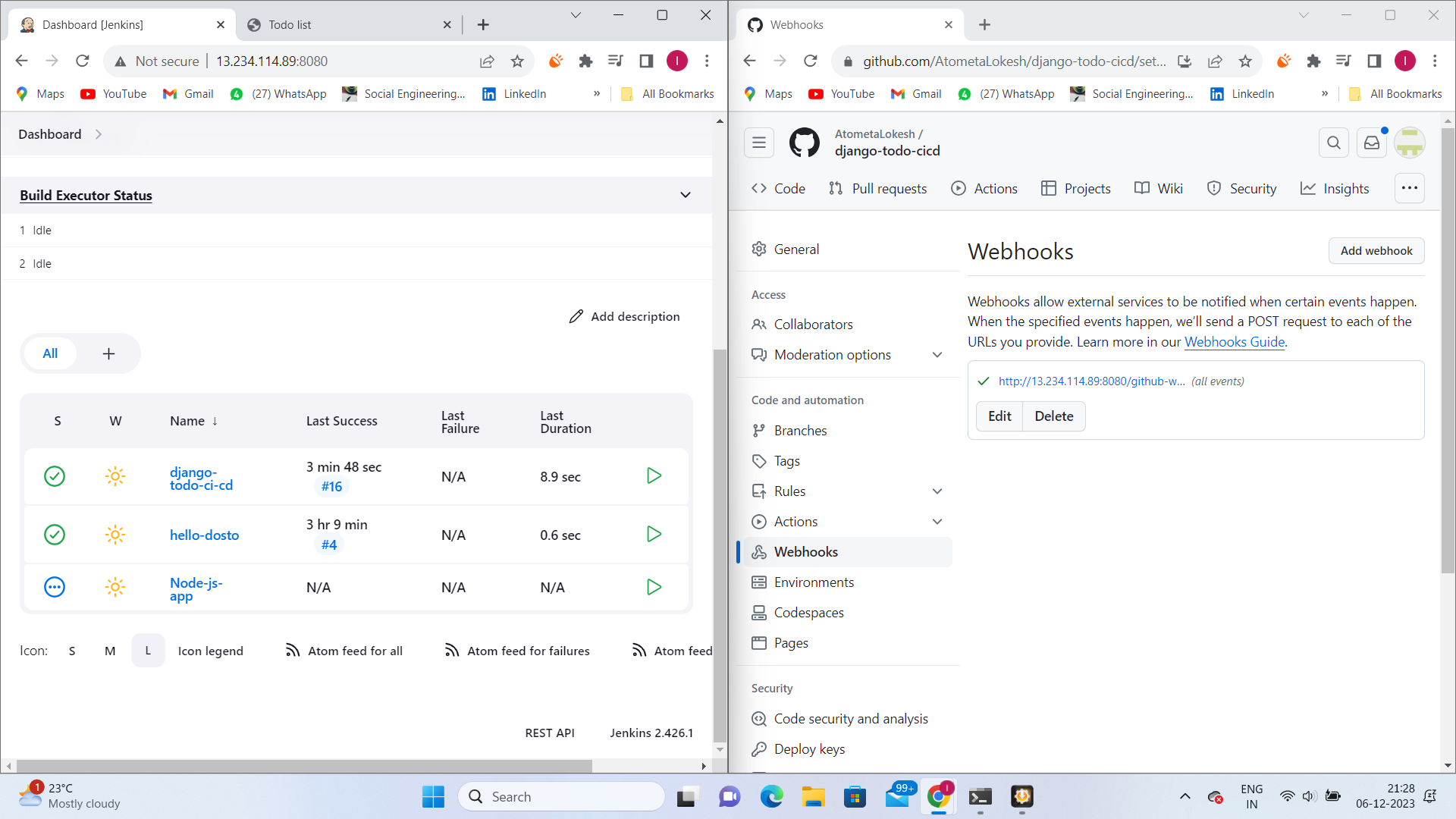
Step 3: GitHub WebHooks
In your GitHub repository, go to "Settings" > "Webhooks" > "Add webhook."
Set the Payload URL to your Jenkins webhook URL.
Ensure the webhook is triggered for push events.
Task-02: Execute Shell and Docker Compose
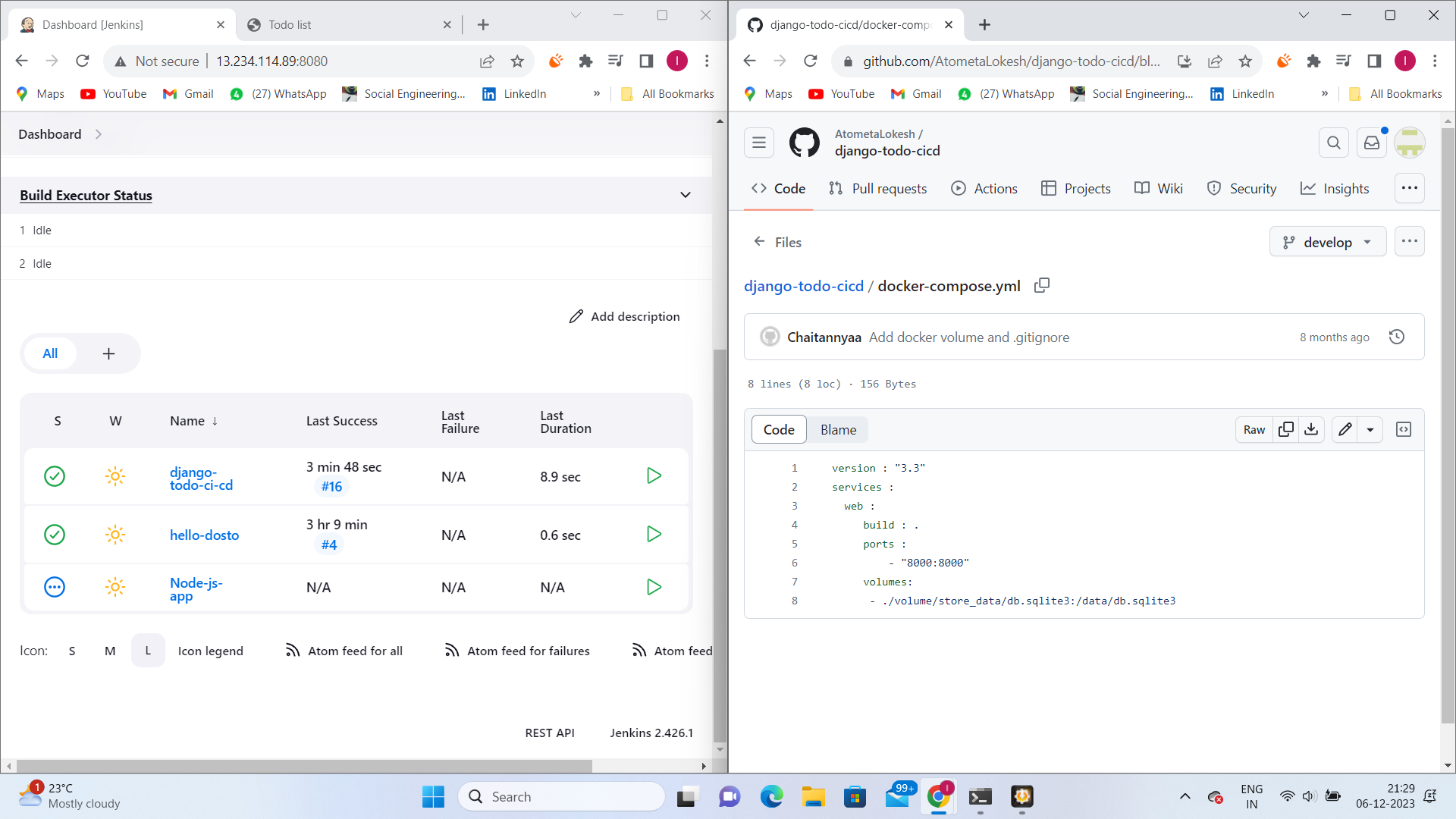
Step 1: Docker Compose File
Create a docker-compose.yml file in your project root.
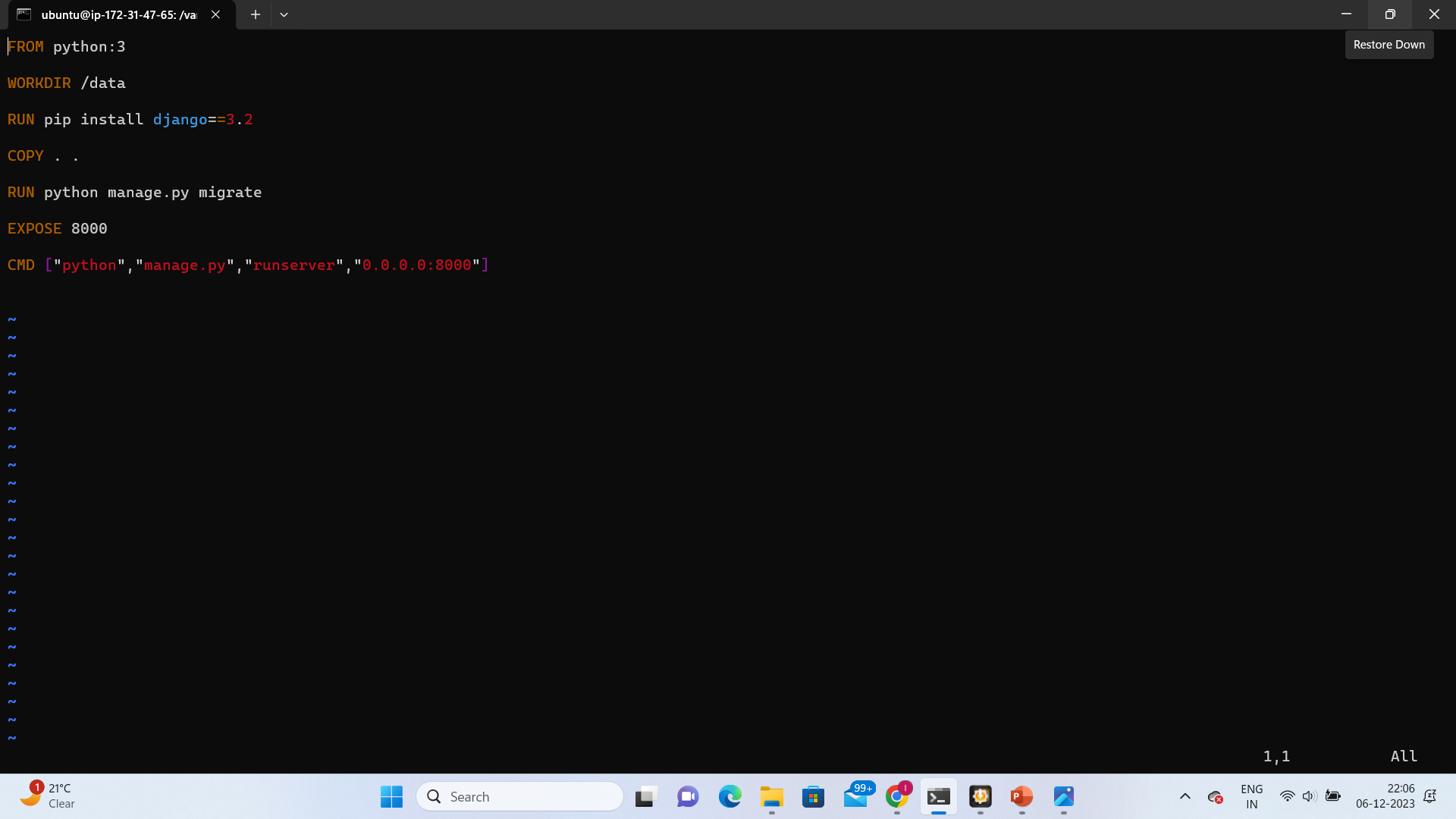
Step 2: Jenkins Execute Shell
Add a build step "Execute shell" in your Jenkins job configuration.
docker-compose up -d
Step 3: Post-build Actions
Add any post-build actions needed, such as archiving artifacts.
Step 4: Test Your CI/CD Pipeline
Make a change in your GitHub repository and push it.
Observe Jenkins triggering the build due to the webhook.
Check the Jenkins console output for build logs and any issues.
Step 5: Treat Yourself
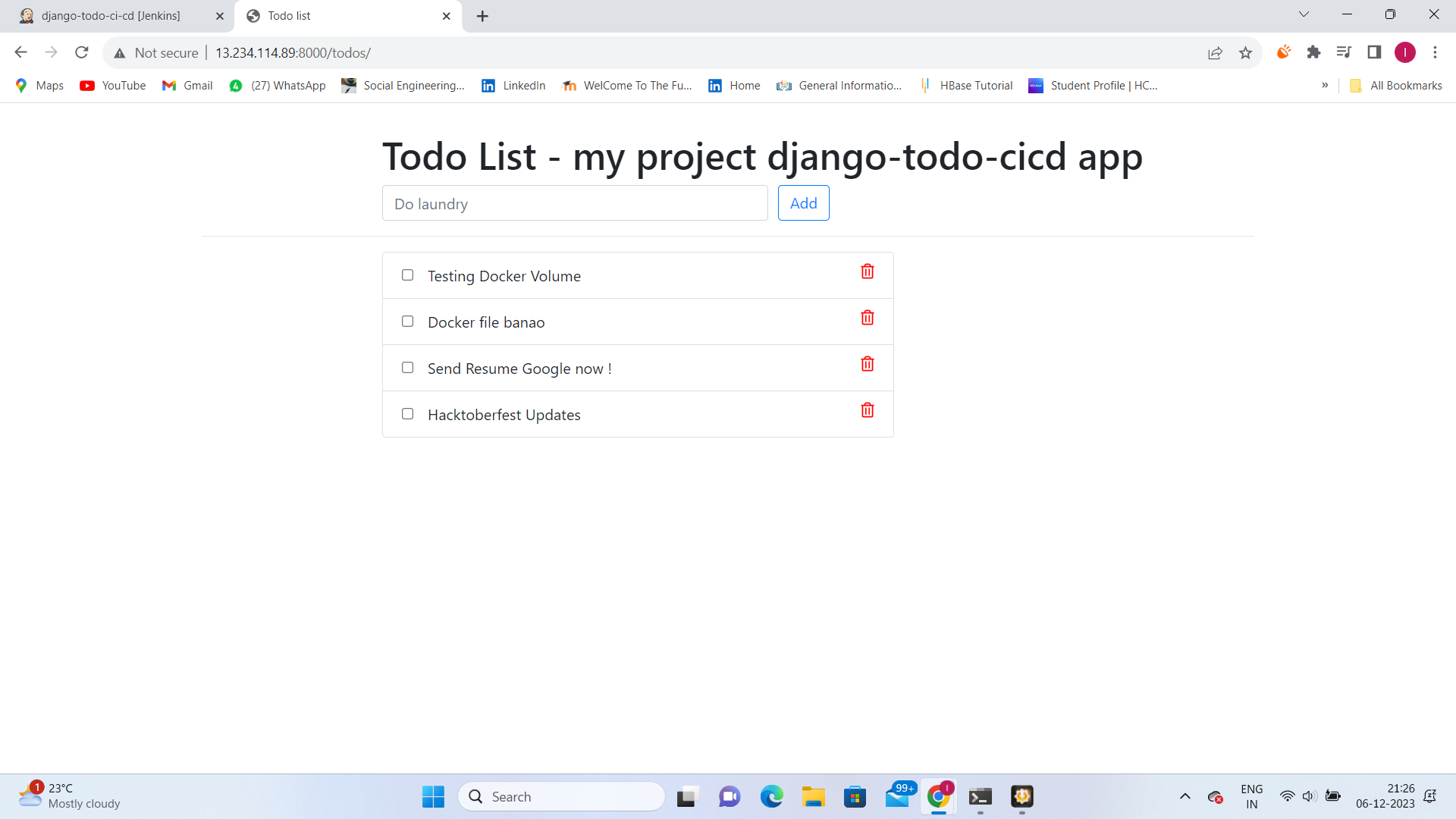
Once the pipeline is successfully set up, celebrate by running the Django Todo App and accessing it through your browser.
Conclusion
Congratulations! You've successfully created a Jenkins CI/CD pipeline for your Django Todo App. This automated workflow ensures that your application is built, tested, and deployed consistently, promoting a more efficient and error-free development process.